
Selecting tactile metal domes might seem straightforward at first glance. They’re small components, after all. How complicated could the decision be? But anyone who has dealt with product returns due to mushy buttons or premature switch failures understands the importance of getting this choice right.
The tactile metal dome sits at the intersection of user experience and product reliability. Choose well, and users enjoy responsive, satisfying button presses for years. Choose poorly, and complaints start rolling in within months. Buttons feel inconsistent. The click disappears. Sometimes they stop working entirely.
What makes this selection challenging is the sheer number of variables involved. Force ratings, dimensions, materials, shapes, cycle life specifications—the options multiply quickly. A dome that works perfectly in a television remote might fail miserably in an industrial control panel. Context matters enormously.
This guide walks through the key considerations for selecting tactile metal domes. Whether designing a new product or troubleshooting issues with an existing one, understanding these factors helps narrow down the options to find components that actually fit the application.
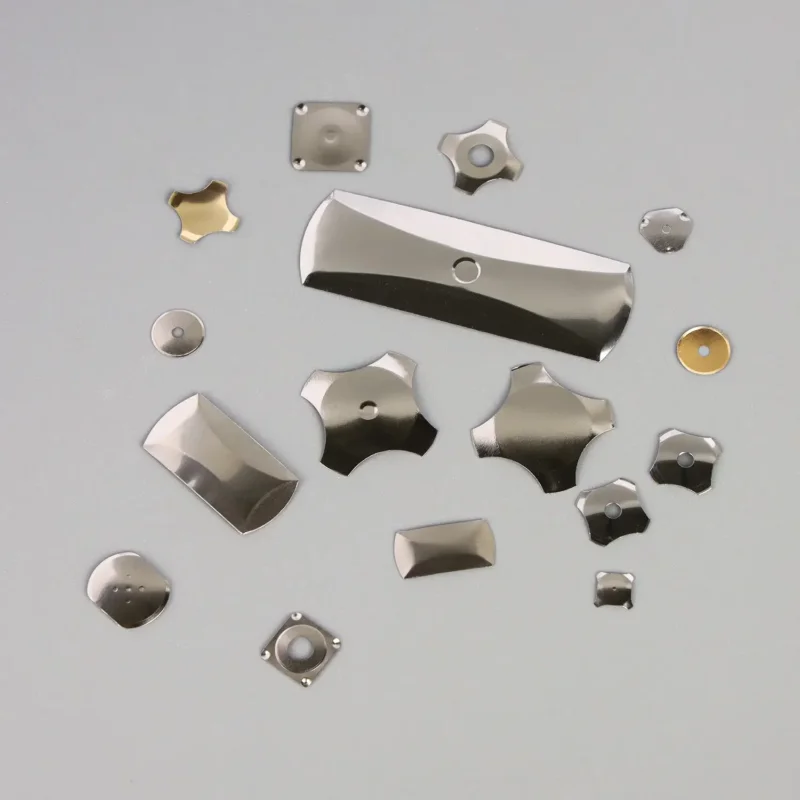
Understanding Force Requirements for Tactile Metal Domes
Operating force is probably the single most important specification when choosing tactile metal domes. It determines how much pressure users need to apply before the dome clicks and completes the circuit.
What Operating Force Means in Practice
Force ratings typically range from around 100 grams to 500 grams, though values outside this range exist for specialized applications. The number represents the peak force required to trigger the snap action.
Lower force ratings (100-180g) create buttons that activate with light touches. Higher ratings (300-500g) require deliberate pressing. Neither is inherently better—it depends entirely on the application context.
Matching Force to Application Type
Different products call for different force characteristics:
Consumer electronics like remote controls and keyboards often use moderate forces in the 150-250g range. This provides clear feedback without causing finger fatigue during extended use. Television remotes get pressed frequently but briefly, so a lighter touch works fine.
Industrial equipment typically benefits from higher force ratings. Operators might wear gloves. Vibration could cause accidental actuation of sensitive buttons. A 300-400g force helps prevent unintended inputs while still providing reliable operation.
Medical devices present interesting requirements. Clear tactile feedback matters for confirming critical inputs, but operators may press buttons rapidly during procedures. Mid-range forces usually work best, though specific applications vary considerably.
Handheld devices and wearables often need lighter forces due to the pressing angles involved. Thumb pressing against a smartwatch button differs biomechanically from finger pressing on a desktop keyboard.
The Feel Factor Beyond Raw Numbers
Force specifications tell only part of the story. Two tactile metal domes with identical 200g ratings can feel quite different during actual use. The shape of the force curve—how resistance builds and releases during pressing—affects perceived quality.
Some domes have a sharp, crisp snap. Others feel softer, more gradual. Neither characteristic appears directly in specification sheets, which is why sampling and testing matter so much during the selection process. Reading numbers on paper cannot replace actually pressing buttons.
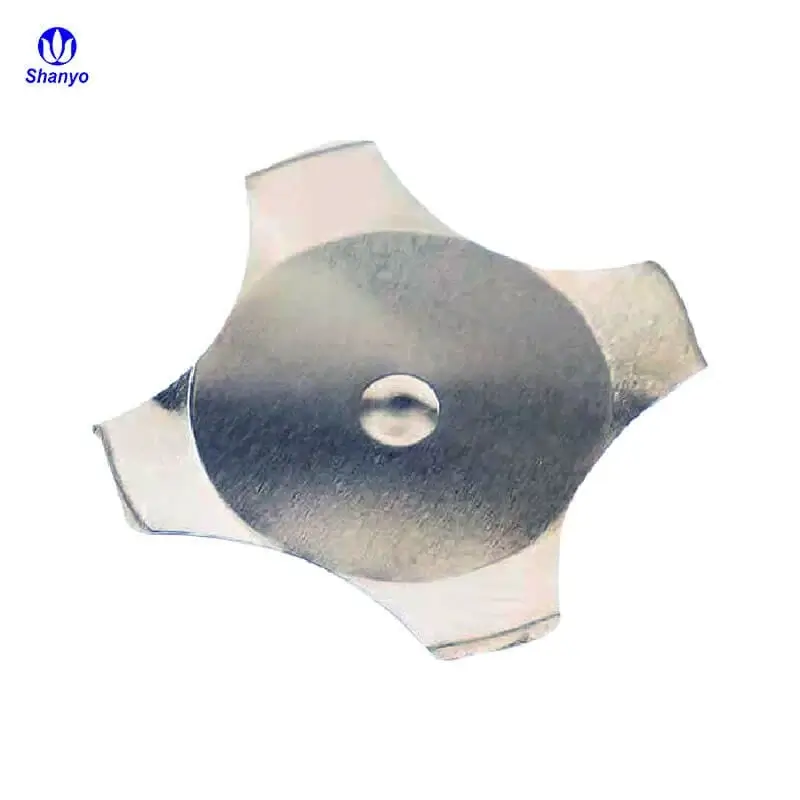
Selecting the Proper Dimensions for Tactile Metal Domes
Diameter Considerations
Round tactile metal domes range from about 4mm to 20mm in diameter. The most common sizes fall between 6mm and 12mm, which suit the majority of consumer and industrial applications.
Smaller diameters generally mean:
- Lower maximum force ratings available
- Shorter travel distance
- More precise placement requirements
- Better fit in compact devices
Larger diameters offer:
- Higher force options
- More forgiving alignment tolerances
- Greater durability in some cases
- Potentially louder click sounds
Matching dome diameter to button cap size matters for consistent feel. An oversized dome under a small button cap might not actuate properly if pressing occurs off-center. Undersized domes can feel unstable or inconsistent.
Height and Travel Distance
Dome height affects how far the button travels during pressing. Taller domes provide more travel, which some users prefer for tactile satisfaction. Shorter domes suit thinner devices where vertical space is limited.
Travel distance interacts with force in complex ways. A short-travel, high-force dome feels snappy and immediate. A long-travel, low-force dome feels more cushioned. Personal preference plays a role, but application requirements should guide the decision.
| Dome Size | Typical Force Range | Common Applications | Travel Distance |
|---|---|---|---|
| 4-6mm | 100-180g | Wearables, compact remotes | 0.15-0.25mm |
| 6-9mm | 150-280g | Smartphones, keyboards, general electronics | 0.20-0.35mm |
| 9-12mm | 180-350g | Appliances, automotive, industrial controls | 0.25-0.45mm |
| 12-20mm | 200-500g | Heavy industrial, specialized equipment | 0.30-0.55mm |
Material Selection for Tactile Metal Domes
Most tactile metal domes use stainless steel, but the specific alloy matters for performance and durability.
Stainless Steel Grades
The 301 and 304 stainless steel grades dominate the market. Each has characteristics worth understanding:
301 stainless steel offers excellent spring properties. It maintains its shape through millions of cycles and resists fatigue well. Most high-quality tactile metal domes use this material. The alloy work-hardens during forming, which actually improves its spring characteristics.
304 stainless steel provides better corrosion resistance in some environments. It’s slightly less springy than 301 but more stable in humid or chemically exposed conditions. Some medical and industrial applications prefer 304 for environmental reasons.
Material Thickness
Thickness directly affects force characteristics. Thinner materials require less force to actuate. Typical thicknesses range from 0.05mm to 0.15mm.
The relationship between thickness and force isn’t perfectly linear due to the dome geometry, but thicker generally means stiffer. Manufacturers can achieve similar force ratings with different combinations of thickness and dome geometry, which is why specifications matter more than material thickness alone.
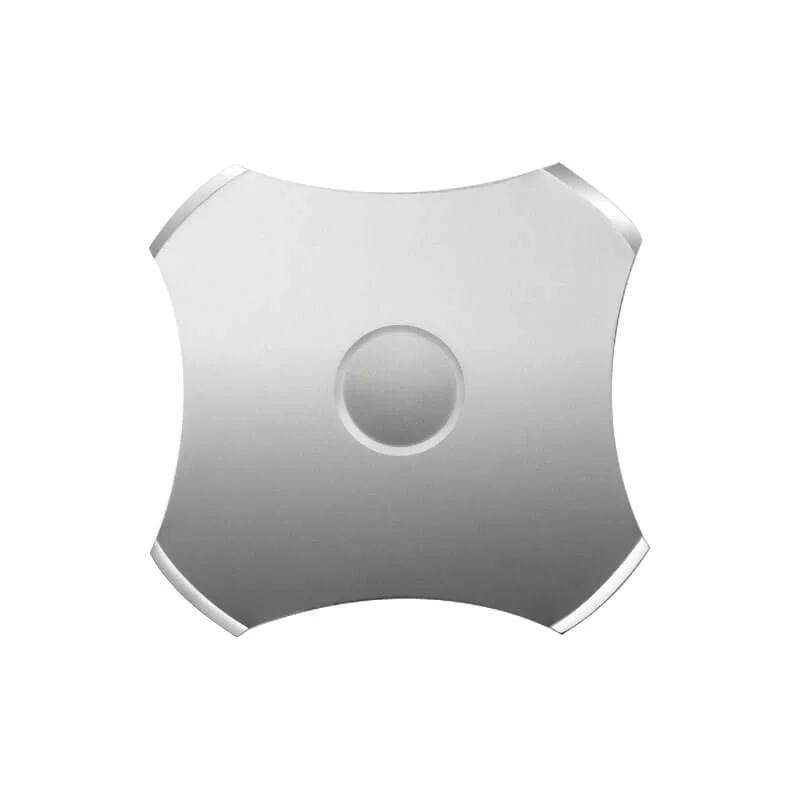
Surface Treatments and Coatings
Some tactile metal domes receive additional treatments:
- Gold plating improves electrical contact reliability
- Nickel plating provides corrosion protection
- Passivation enhances stainless steel’s natural corrosion resistance
- Specialized coatings address specific environmental challenges
Gold plating appears most commonly in applications requiring low contact resistance or high reliability. The additional cost is minimal per unit but adds up in high-volume production.
Choosing Dome Shapes for Different Applications
Shape affects both mounting options and tactile characteristics. Several standard configurations exist, each with advantages.
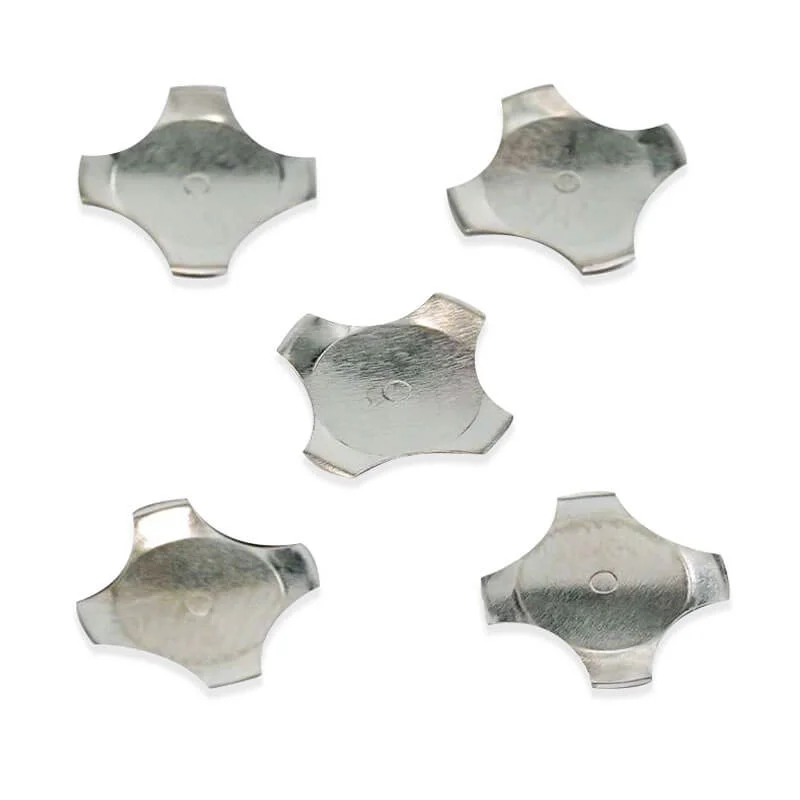
Square Tactile Metal Dome
Square metal domes feature a four-sided design that provides excellent stability and consistent feedback. The geometric shape allows for efficient space utilization on PCB layouts, especially when buttons are arranged in grid patterns.
Square tactile metal domes work particularly well for:
- Keyboard and keypad applications
- Calculator buttons
- Remote control layouts with aligned button rows
- Industrial control panels with organized button arrays
- Any application requiring maximum space efficiency
The corners of square tactile metal domes help with self-alignment during assembly. When placed into corresponding cutouts or positioning features, they naturally orient correctly. This reduces assembly errors and improves consistency across production runs.
One consideration with square designs—the tactile feel can vary slightly depending on whether pressure applies to the center versus near a corner. Quality square domes minimize this variation, but it’s worth testing during the selection process.

Triangle Tactile Metal Dome
Triangle tactile metal domes represent a more specialized option with unique characteristics. The three-sided geometry creates a distinctive snap action that some applications specifically require.
Triangle configurations suit:
- Specialized control interfaces
- Applications requiring distinct feedback differentiation
- Designs where triangular button shapes make sense aesthetically
- Equipment where operators need to distinguish button types by feel
- Custom interfaces with non-standard layouts
The asymmetric nature of triangle metal domes means orientation matters during assembly. They must be placed correctly to function as intended. This adds a step to quality control but enables design possibilities that symmetric shapes cannot achieve.
Force characteristics of triangle tactile metal domes differ somewhat from round or square versions. The three-point geometry tends to produce a sharper, more defined click. Users often describe the feedback as more aggressive or pronounced compared to other shapes.
Manufacturing triangle domes requires specialized tooling, which can affect availability and lead times. Fewer suppliers stock triangle configurations as standard items, so planning ahead matters more than with common shapes.
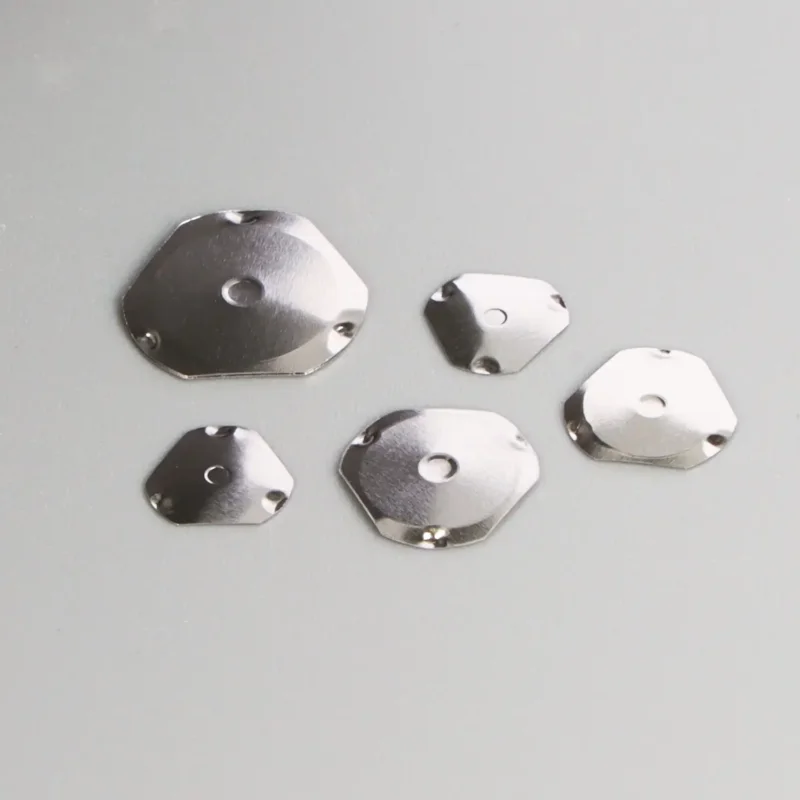
Oval Tactile Metal Dome
Oval tactile metal domes bridge the gap between round and rectangular options. The elongated shape fits spaces where round domes would be too wide in one dimension but square domes would waste space.
Oval designs excel in:
- Slim device profiles like thin remote controls
- Elongated button shapes common in modern product design
- Wearable devices with curved or narrow surfaces
- Automotive interior controls with styling constraints
- Any application with rectangular buttons and limited depth
The elongated geometry of oval tactile metal domes affects how they respond to off-center pressing. Pressing along the long axis feels different than pressing perpendicular to it. Designers should consider typical user behavior when selecting oval configurations.
| Dome Shape | Key Advantages | Best Applications | Assembly Consideration |
|---|---|---|---|
| Square metal dome | Space efficient, self-aligning | Keyboards, keypads, grid layouts | Orientation matters but corners assist alignment |
| Triangle metal dome | Sharp distinct feedback, unique feel | Specialized controls, differentiated interfaces | Must orient correctly, limited supplier availability |
| Oval metal dome | Fits narrow spaces, modern aesthetics | Slim devices, elongated buttons, wearables | Direction of pressing affects feel slightly |
Choosing Between Shape Options
Selecting among square, triangle, and oval metal domes involves balancing several factors:
- Available space and button layout geometry
- Desired tactile feedback characteristics
- Assembly process requirements and capabilities
- Supplier availability and lead times
- Cost considerations for tooling and piece price
For most standard applications, square metal domes offer the best combination of performance, availability, and cost. The shape works with common button layouts and most suppliers stock multiple sizes.
Triangle metal domes make sense when their unique feedback characteristics add value or when the application specifically calls for triangular geometry. The additional sourcing complexity is justified when the design truly benefits.
Oval metal domes solve specific geometric problems. When button shapes or available space demand an elongated dome, oval configurations deliver without compromising tactile quality. They’re not exotic or difficult to source but aren’t as universally stocked as square options.
Environmental Considerations When Selecting Tactile Metal Domes
Temperature Range
Standard tactile metal domes typically function from -20°C to +70°C or thereabouts. Automotive and industrial applications may require extended ranges reaching -40°C to +85°C or beyond.
Temperature affects both the metal’s spring properties and any lubricants or coatings present. Cold temperatures can increase operating force slightly. Heat may accelerate wear.
Humidity and Moisture
Moisture threatens tactile metal domes primarily through corrosion. While stainless steel resists corrosion well, contaminants in humid environments can accelerate degradation. Salt spray environments (coastal areas, marine applications) are particularly challenging.
Options for humid environments include:
- Selecting 304 stainless over 301 for better corrosion resistance
- Specifying gold or nickel plating
- Using sealed dome arrays with environmental protection
- Implementing protective overlays in the switch assembly
Chemical Exposure
Industrial and medical environments may expose tactile metal domes to cleaning chemicals, solvents, or process chemicals. Understanding what substances might contact the components helps in selecting appropriate materials and coatings.
Sealed dome configurations offer the best protection against chemical exposure. The dome sits within a protective structure rather than being directly exposed to the environment.
Testing and Validation for Tactile Metal Domes
Specification sheets provide a starting point, but nothing replaces testing actual samples in the intended application.
Sample Testing Process
A reasonable testing approach includes:
- Obtain samples of candidate dome specifications
- Build prototype assemblies matching production configuration
- Evaluate subjective feel with representative users
- Measure actual force curves and compare to specifications
- Conduct accelerated life testing if possible
- Assess consistency across multiple samples
What to Look For During Evaluation
When evaluating tactile metal dome samples:
- Does the click feel appropriate for the application?
- Is the force comfortable for expected usage patterns?
- Do multiple samples feel consistent with each other?
- Does the dome work correctly with the intended overlay?
- Are there any unusual sounds or sensations during actuation?
- Does the dome return crisply to the rest position?
Working with Suppliers
Reputable tactile metal dome suppliers expect sample requests and can provide guidance on selection. Useful questions for suppliers include:
- What do similar applications typically use?
- Which specifications have the best availability?
- What customization options exist if standard parts don’t fit?
- What quality certifications apply to production?
- What’s the expected lead time for production quantities?
If you want to more about tactile metal domes, please read What are tactile metal domes?
Frequently Asked Questions
What force rating works best for general consumer electronics?
For most consumer electronics like remote controls and appliance buttons, force ratings between 170g and 250g work well. This range provides clear tactile feedback without causing finger fatigue. Game controllers might benefit from lighter forces around 150g for rapid pressing, while outdoor or industrial devices often need higher forces in the 280-350g range to prevent accidental actuation. Testing with actual users helps confirm whether the selected force feels appropriate.
How do environmental factors affect tactile metal dome lifespan?
Environmental conditions significantly impact how long tactile metal domes maintain their performance characteristics. Temperature extremes can alter the metal’s spring properties—cold environments may increase operating force slightly while heat accelerates material fatigue over time. Humidity presents corrosion risks, particularly in coastal areas or applications exposed to salt spray. Chemical exposure from cleaning agents or industrial processes can degrade dome surfaces and affect contact reliability. Vibration environments stress the metal through repeated micro-movements beyond normal actuation cycles.
Should individual domes or dome arrays be selected for production?
The choice between individual tactile metal domes and pre-mounted dome arrays depends largely on production volume and assembly capabilities. Individual domes cost less per piece and offer flexibility in placement, making them suitable for prototyping, low-volume production, or applications with unusual layouts. However, they require manual or semi-automated placement during assembly, which adds labor time. Dome arrays come pre-positioned on adhesive carrier sheets with precise spacing already established. This format dramatically speeds assembly for high-volume production and ensures consistent dome placement across units. Arrays typically have higher minimum order quantities and involve some tooling considerations for custom configurations.