
When a Membrane Button Stops Responding
It’s a frustrating moment. Pressing a button that used to work perfectly and getting nothing in response. Maybe it’s the microwave panel, a treadmill interface, or some industrial equipment control. The membrane button just sits there, ignoring repeated presses like it’s forgotten its entire purpose.
This happens more often than manufacturers probably want to admit. Membrane buttons are generally reliable, but they’re not immortal. Various factors can cause them to fail—some fixable, others requiring replacement. Understanding why a membrane button stops working helps determine whether troubleshooting might solve the problem or if it’s time to order new parts.
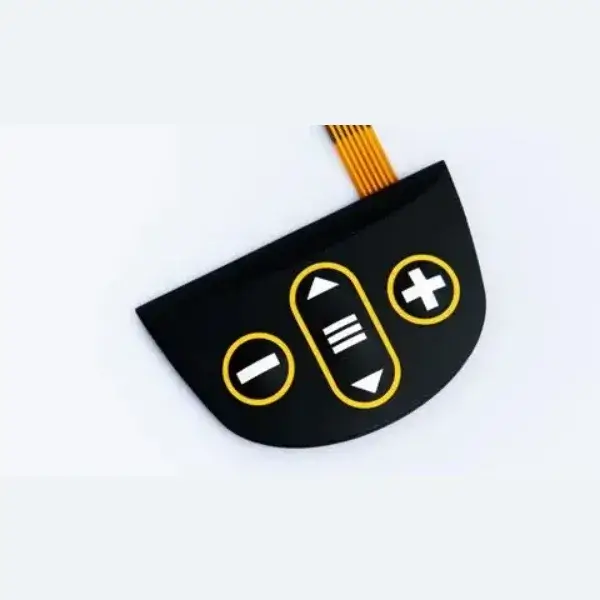
Common Reasons Why a Membrane Button Fails
Multiple issues can render a membrane button unresponsive. The causes range from simple user-side problems to internal component degradation that’s harder to address.
Wear and Tear Over Time
Every membrane button has a lifespan. The flexible layers that make these switches function eventually fatigue from repeated pressing. Conductive traces wear thin or crack. The materials lose their elasticity and stop returning to proper rest position.
Typical failure points include:
- Cracked or worn conductive ink traces
- Fatigued overlay material that no longer flexes correctly
- Degraded spacer layers losing their separation function
- Worn contact points where circuits should meet
High-use buttons fail faster than occasionally pressed ones. That number “1” on a microwave keypad probably sees more action than the rarely used “7” button, for instance.
Environmental Damage
| Environmental Factor | How It Causes Failure | Prevention Approach |
|---|---|---|
| Moisture infiltration | Corrodes traces, shorts circuits | Proper edge sealing |
| Extreme heat | Degrades materials, warps layers | Temperature-rated components |
| UV exposure | Breaks down overlay polymers | UV-resistant materials |
| Chemical contact | Dissolves adhesives, damages films | Compatible cleaning products |
| Physical impact | Cracks layers, breaks connections | Protective installation |
Kitchen equipment particularly suffers from grease and cleaning chemical exposure. Industrial settings bring their own challenges—vibration, temperature swings, harsh substances splashing onto control panels.
Membrane Button Problems Beyond the Switch Itself
Connector Issues
That flexible tail extending from the membrane assembly connects to the main device electronics. This connection point fails surprisingly often:
- Oxidation building up on connector contacts
- Connector coming loose from vibration or handling
- Bent or damaged pins preventing proper contact
- Cable fatigue from repeated flexing at stress points
A membrane button can function perfectly internally while producing zero response because the signal never reaches the device controller.
Controller and Circuit Board Problems
The main electronics receiving button signals might be the culprit. Power supply issues, failed microcontrollers, damaged traces on the PCB—all of these can create symptoms that look like membrane button failure but actually originate elsewhere.
Worth checking before assuming the membrane assembly needs replacement.
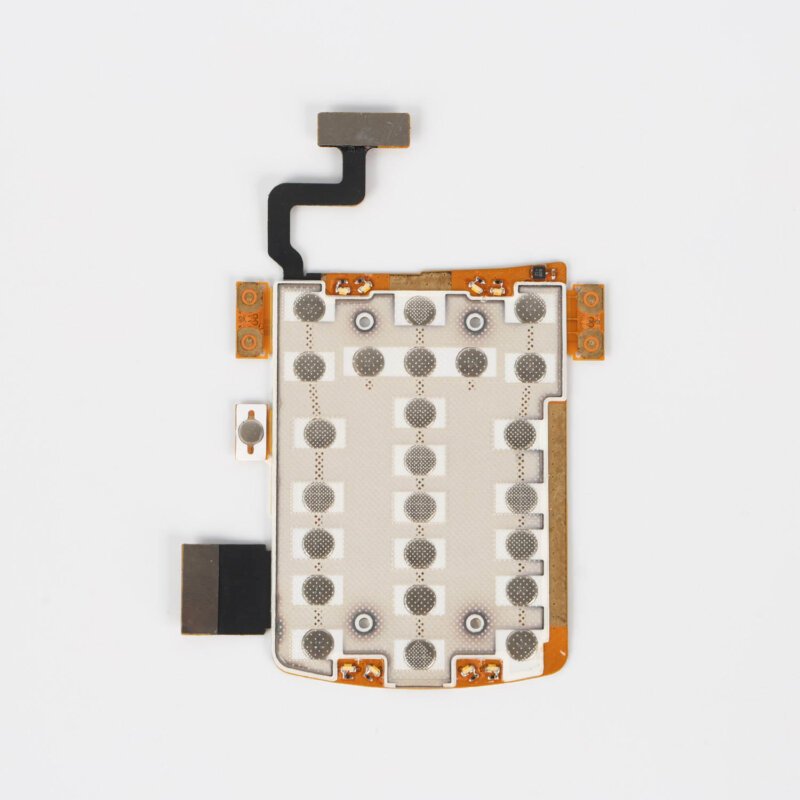
How to Diagnose Why Your Membrane Button Isn't Working
Basic External Checks
Start with the obvious stuff:
- Is the device receiving power?
- Are all membrane buttons unresponsive or just some?
- Any visible damage to the overlay surface?
- Signs of moisture, contamination, or physical impact?
- Has anything changed recently—cleaning, relocation, temperature?
Single button failures usually indicate localized membrane damage. Complete panel failure suggests connector or electronics problems.
Electrical Testing Methods
| Test Type | What It Reveals | Equipment Needed |
|---|---|---|
| Continuity check | Whether traces are intact | Multimeter |
| Resistance measurement | Circuit condition at contacts | Multimeter |
| Visual trace inspection | Visible breaks or corrosion | Magnification |
| Connector contact test | Signal path integrity | Multimeter |
Testing continuity through the membrane button while pressing it shows whether the switch closes properly. Open circuit with button pressed means internal failure.
Process of Elimination
When multiple possibilities exist, eliminating them systematically helps narrow down the cause:
- Check power supply to the device
- Inspect membrane connector seating and condition
- Test individual button circuits with a meter
- Try the membrane assembly on known-good electronics if possible
- Examine PCB and controller for obvious damage
Sometimes problems combine. Marginal connector contact plus weakened button traces together cause intermittent issues that neither would create alone.
Fixing a Membrane Button That Stopped Working
Quick Fixes Worth Trying
Before ordering replacements, these approaches sometimes restore function:
- Reseating the connector firmly into its socket
- Cleaning connector contacts with appropriate electronics cleaner
- Allowing moisture to dry completely if infiltration occurred
- Pressing buttons firmly to re-establish contact in marginal circuits
These work often enough to be worth attempting. Cost nothing, take minimal time.
When Replacement Becomes Necessary
Certain failures can’t be fixed. Worn conductive traces don’t regenerate. Cracked overlay materials won’t heal themselves. Degraded spacer layers keep causing problems.
Signs pointing toward replacement need:
- Multiple buttons failing on the same panel
- Visible physical damage to membrane layers
- Contamination that penetrated internal components
- Testing confirms circuit breaks within the assembly
Replacement membrane buttons should match original specifications carefully. Dimensions, connector type, circuit layout, tactile characteristics—all need to align with the device requirements.
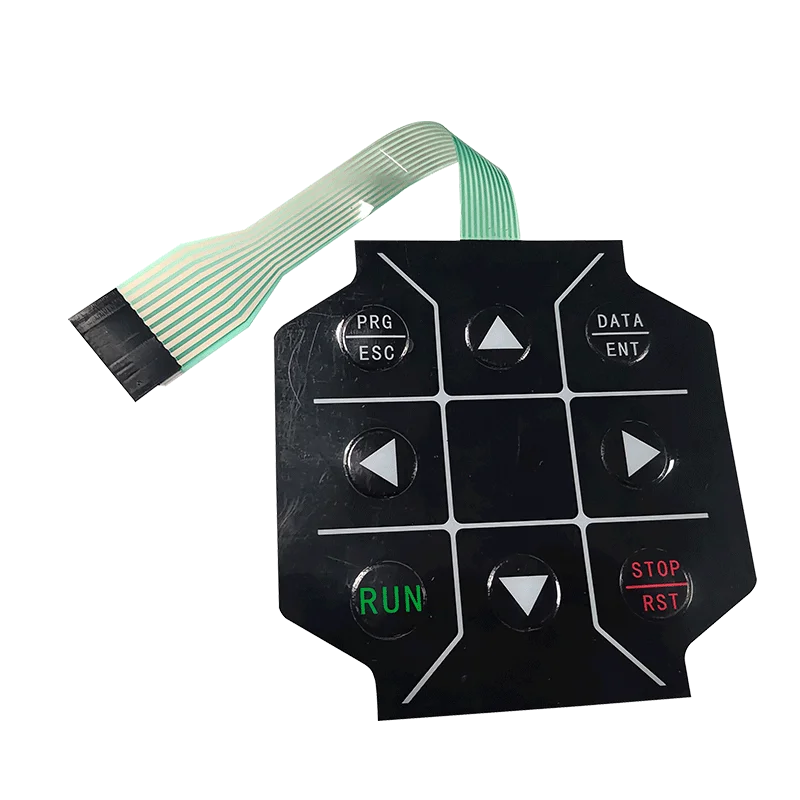
Preventing Future Membrane Button Failures
Operating Practices That Extend Lifespan
- Press buttons with appropriate force—not excessive pounding
- Keep panels clean using manufacturer-recommended methods
- Protect from direct sun exposure when possible
- Maintain reasonable temperature conditions
- Address moisture exposure promptly
Design and Installation Considerations
For those specifying membrane buttons in equipment designs:
- Select quality levels appropriate for expected usage intensity
- Ensure proper sealing against environmental factors
- Provide adequate strain relief for connector tails
- Consider operating temperature range requirements
- Specify UV-resistant materials for outdoor applications
Better upfront choices prevent premature failures later. If you want to know more about membrane button, please read What is a membrane button?
FAQ
Can a membrane button be repaired or must it be replaced?
Limited repairs are sometimes possible—particularly connector cleaning, reseating connections, or drying out moisture damage. However, internal failures like worn traces or cracked layers typically require complete membrane assembly replacement rather than repair.
Why would only some buttons on a membrane panel stop working?
Individual button failures usually indicate localized wear at specific circuit contact points. Heavily used buttons wear faster than others. Physical damage might affect certain areas while leaving others functional. Complete panel failure more likely indicates connector or electronics problems.
How long should a membrane button last before failing?
Quality membrane buttons typically rate for 1 million to 5 million actuations under normal conditions. Actual lifespan varies based on usage intensity, environmental factors, and manufacturing quality. Budget components may fail much sooner while premium industrial versions can exceed rated cycles significantly.