
Why Metal Dome Problems Happen More Often Than You'd Think
Metal domes are everywhere—inside remote controls, automotive dashboards, medical devices, and industrial keypads. They’re small, seemingly simple components. But when something goes wrong with them, the entire user experience suffers. A mushy button feel, inconsistent clicks, or complete unresponsiveness can all trace back to issues with these tiny convex discs.
The thing is, most problems don’t appear immediately. They creep in after weeks or months of use, or sometimes right out of the box due to manufacturing inconsistencies. Understanding what causes these failures helps manufacturers and engineers prevent costly recalls and frustrated end users.
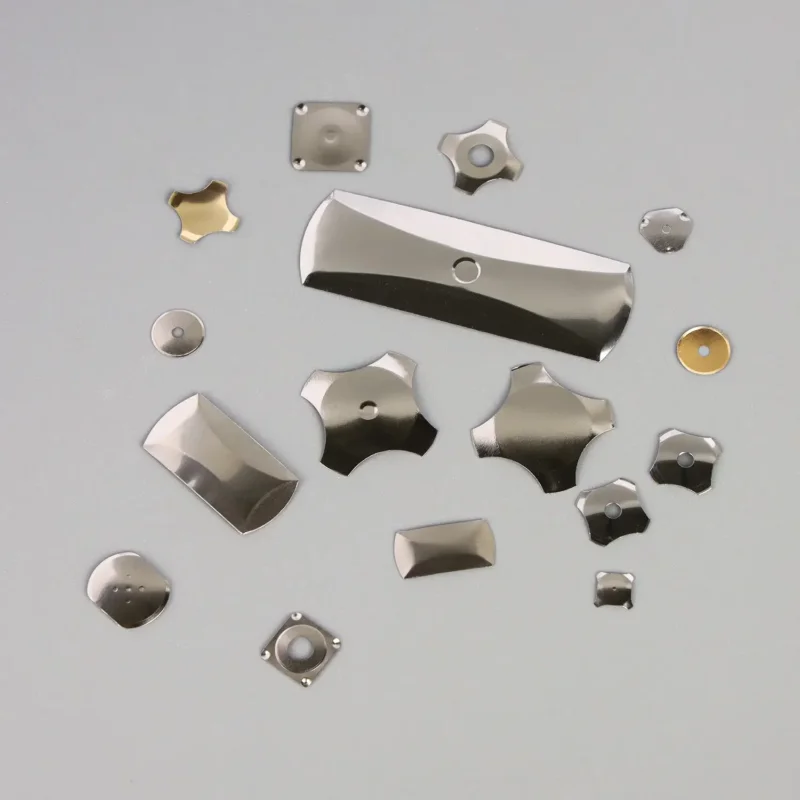
The Most Frequent Metal Dome Failures and What Causes Them
Loss of Tactile Feedback
One of the primary reasons engineers choose snap dome is for that satisfying “click” sensation. When tactile response weakens or disappears entirely, something has clearly gone wrong.
Common causes include:
- Metal fatigue from repeated actuations
- Dome height inconsistency during production
- Improper force-travel curve design
- Contamination between dome and PCB contact
It’s worth noting that even high-quality domes will eventually lose some crispness after millions of cycles. But premature degradation usually points to material selection or design flaws.
Corrosion and Oxidation
Metal components and moisture don’t mix well. When exposed to humidity, sweat, or liquid ingress, the contact surfaces of a dome can develop oxidation layers. This creates resistance that interferes with electrical conductivity.
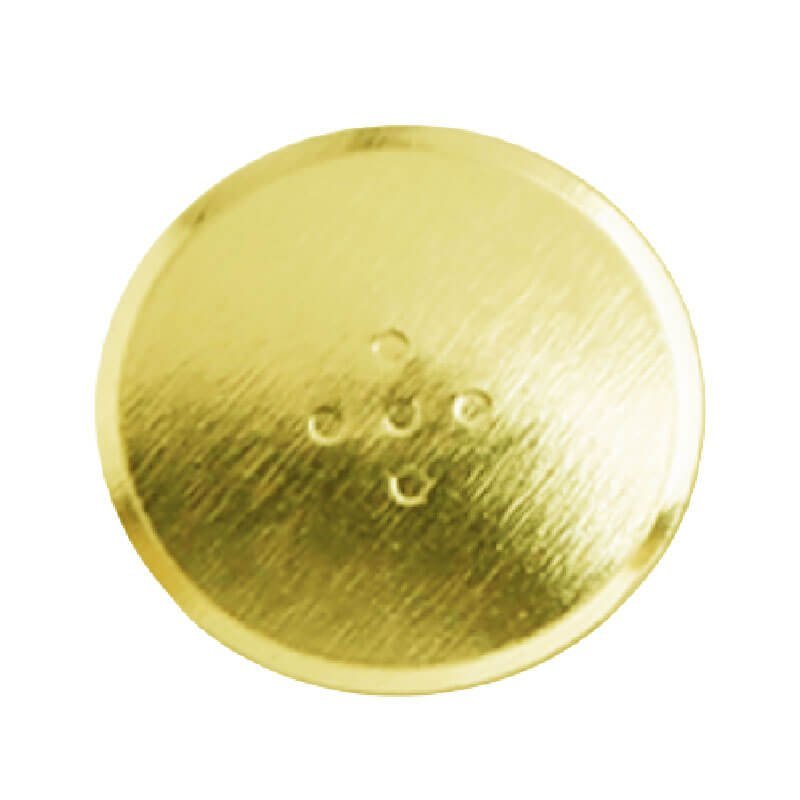
Environments like coastal regions, food processing plants, or outdoor equipment installations tend to accelerate this problem. Some manufacturers apply gold plating or nickel coatings to combat corrosion, though this adds cost.
Dome Collapse or Permanent Deformation
A dome that doesn’t spring back properly after pressing indicates structural failure. This typically happens when:
- The actuation force consistently exceeds design limits
- Material thickness was insufficient for the application
- Operating temperatures fell outside acceptable ranges
- The dome was stored improperly before assembly
Collapsed domes essentially become dead buttons. There’s no fixing them—only replacement works at that point.
Electrical Contact Failures
Sometimes the dome clicks perfectly fine, but nothing happens electronically. The mechanical action works while the electrical connection fails.
This disconnect often results from:
- Misalignment between dome and PCB pads
- Debris or dust on contact surfaces
- Insufficient dome travel distance
- Worn or damaged conductive surfaces
Diagnostic Approaches That Actually Work
Visual Inspection First
Before grabbing testing equipment, a simple visual check reveals more than expected. Look for obvious signs like discoloration, physical damage, debris accumulation, or adhesive failures on dome arrays.
A magnifying glass or low-power microscope helps identify subtle issues invisible to naked eyes. Cracks along dome edges or uneven coating wear become apparent under magnification.
Force-Travel Testing
Specialized equipment can measure the exact force required to actuate a dome and map the travel distance throughout the press cycle. Comparing results against specification sheets quickly identifies out-of-tolerance units.
| Test Parameter | Acceptable Range | Failure Indicator |
|---|---|---|
| Actuation Force | ±15% of spec | Deviation beyond 20% |
| Click Ratio | 40-60% | Below 30% or above 70% |
| Dome Height | ±0.05mm | Visible flattening |
| Contact Resistance | <100mΩ | >500mΩ consistently |
Continuity and Resistance Checks
A basic multimeter set to continuity mode confirms whether electrical contact occurs during actuation. Resistance readings that fluctuate wildly suggest intermittent connections—usually from contamination or wear.
Practical Solutions for Common Problems
Addressing Environmental Damage
For corrosion-related issues, prevention beats cure every time. Specifying domes with appropriate plating for the intended environment eliminates most oxidation problems before they start.
Existing assemblies showing early corrosion signs might benefit from:
- Improved sealing around the keypad perimeter
- Conformal coating on exposed PCB areas
- Desiccant packets inside enclosures
- Redesigning ventilation to reduce moisture trapping
Fixing Alignment Issues
Misaligned domes often result from tolerance stackup between multiple components. Tightening mechanical tolerances or adding alignment features to the housing design usually resolves this.
Dome arrays on adhesive carriers should be inspected for proper positioning before final assembly. A shifted array means every single dome sits slightly off-center from its intended PCB pad.
Material and Design Modifications
When failures stem from fundamental design choices, surface-level fixes won’t last. You have to go back to the drawing board. Consider these adjustments:
- Switching to stainless steel alloys with better fatigue resistance for longer life.
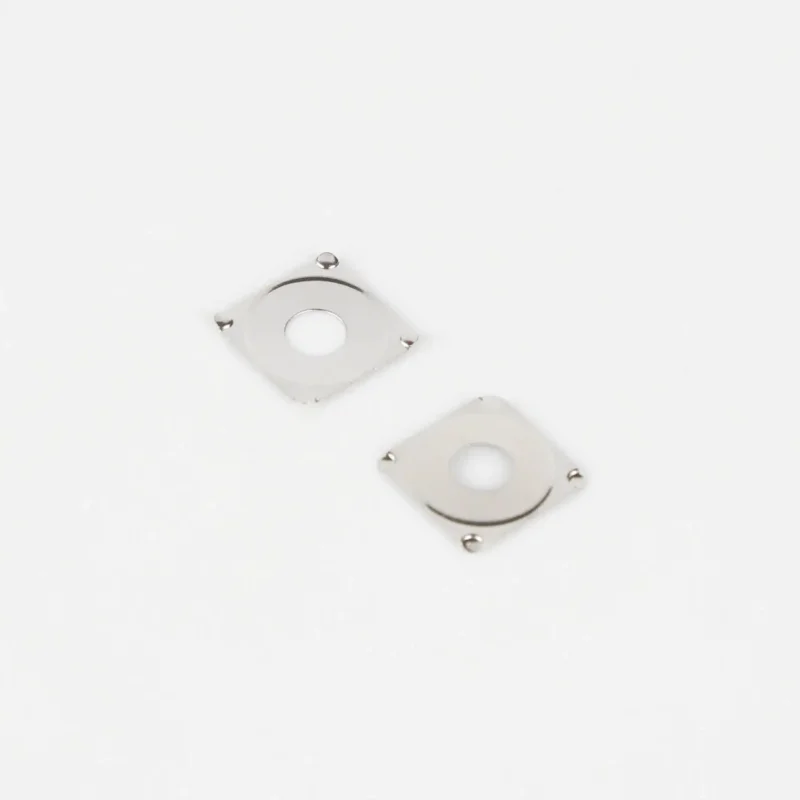
- Adjusting dome geometry for lower stress concentrations; for instance, swapping a round profile for a square dome switch can sometimes solve spacing issues while offering four distinct feet for better stability on the PCB layout.
- Increasing material thickness slightly for high-force applications to prevent inversion.
- Specifying tighter manufacturing tolerances to reduce batch-to-batch variation.
Sometimes, simply changing the shape—like moving to that square snap dome design—alters the stress distribution enough to prevent the cracking issues seen in earlier round iterations.
Knowing When to Escalate
Not every metal dome issue has a simple fix. When troubleshooting efforts repeatedly fail, or when failures occur at unacceptable rates across production batches, involving the dome supplier makes sense. They have access to failure analysis capabilities and historical data that can pinpoint root causes faster than trial-and-error approaches.
Sometimes what looks like a dome problem actually originates elsewhere—in PCB design, housing tolerances, or assembly processes. Keeping an open mind about potential causes prevents tunnel vision during troubleshooting.
Frequently Asked Questions
How long should a metal dome switch last under normal use?
Quality metal domes typically survive between 1 million and 5 million actuations depending on design, materials, and operating conditions. Consumer electronics usually spec around 1 million cycles, while industrial applications often require 3 million or more.
Can damaged metal domes be repaired or must they be replaced?
Replacement is essentially the only option for damaged domes. Unlike some mechanical switches, metal domes cannot be meaningfully repaired once deformed, corroded, or cracked. The good news is individual domes are inexpensive compared to complete keypad assemblies.
What causes intermittent or inconsistent clicking behavior?
Intermittent response usually indicates contamination on contact surfaces, marginal dome positioning, or early-stage metal fatigue. Cleaning contact areas sometimes helps, but persistent intermittent behavior typically signals impending complete failure.