When a Membrane Keypad Starts Acting Up
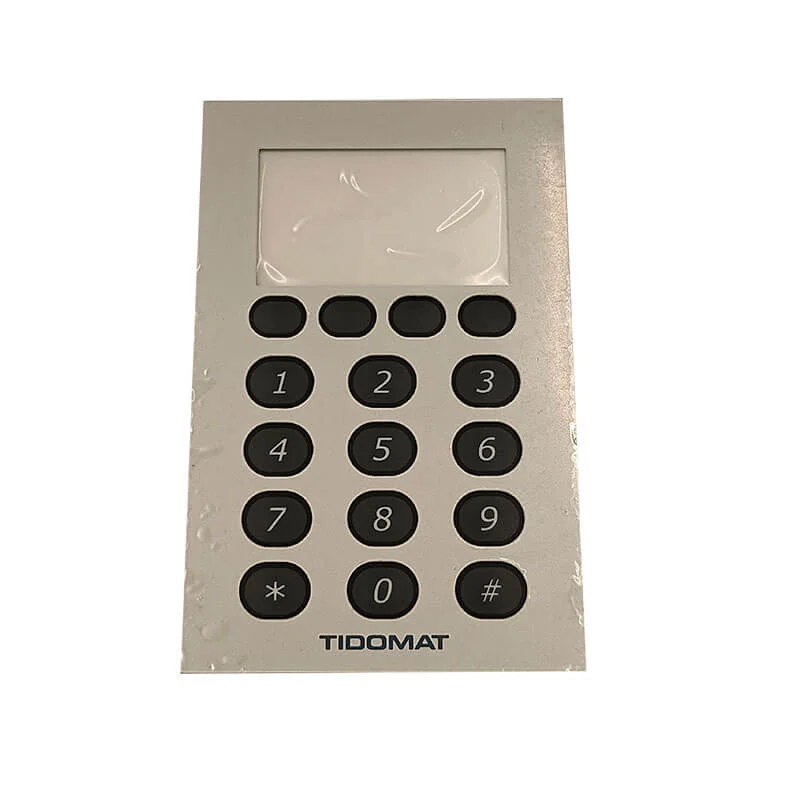
There’s something frustrating about pressing a button and getting no response. Or worse, getting the wrong response entirely. Membrantangentbord are found in countless devices—microwaves, remote controls, industrial equipment, security systems—and when they fail, it can render an otherwise functional device completely useless.
The good news? Not every malfunction means replacement is necessary. Some issues can actually be addressed with patience, the right approach, and a willingness to carefully disassemble things. That said, success rates vary considerably depending on the type of damage and the keypad’s construction quality.
Understanding Why a Membrane Keypad Fails
Before attempting any repair, figuring out what’s actually wrong helps tremendously. These keypads fail for different reasons, and the underlying cause determines whether fixing it is even realistic.
Common Causes of Malfunction
Several factors contribute to membrane keypad problems:
- Physical wear from repeated use over time
- Liquid damage or moisture infiltration
- Dirt, grease, or debris buildup beneath the surface
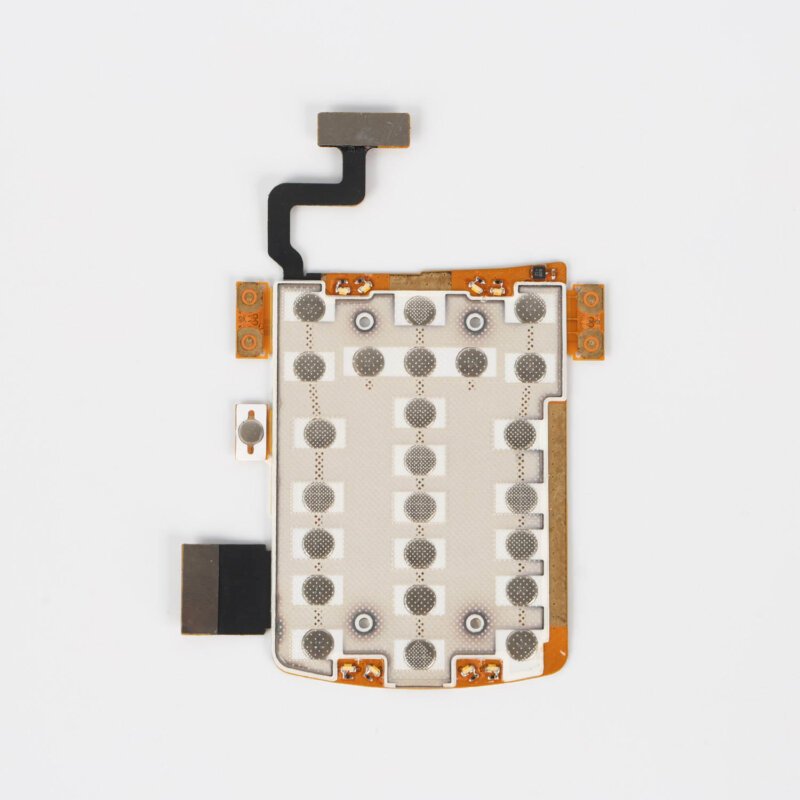
- Cracked or damaged circuit traces
- Degraded conductive ink on the contact points
- Connector corrosion or loose tail connections
Sometimes the issue isn’t the keypad itself at all. The problem might originate from the device’s main circuit board or the connector interface. Worth checking before assuming the worst about the keypad.
Tools and Materials Needed for Membrane Keypad Repair
Gathering supplies beforehand saves time and prevents unnecessary interruptions mid-repair. The exact requirements depend on the specific issue, but having these items available covers most scenarios.
| Item | Syfte | Anteckningar |
|---|---|---|
| Isopropyl alcohol (90%+) | Cleaning contacts and surfaces | Higher concentration evaporates faster |
| Cotton swabs | Precision cleaning | Lint-free alternatives work better |
| Small screwdrivers | Device disassembly | Phillips and flathead varieties |
| Conductive ink pen | Repairing broken traces | Available at electronics suppliers |
| Multimeter | Testing continuity | Essential for diagnosis |
| Plastic pry tools | Separating layers safely | Prevents scratching or tearing |
| Adhesive tape | Reattaching layers | Double-sided, thin variety preferred |
Not every repair requires all these materials. Simple cleaning jobs might only need alcohol and swabs. More involved trace repairs demand the conductive pen and testing equipment.
Step-by-Step Process to Repair a Membrane Keypad
The actual repair process varies based on what’s wrong, but a general workflow applies to most situations. Patience matters here—rushing tends to create additional problems.
Diagnostiska steg först
- Disconnect the device from power completely
- Remove the membrane keypad assembly from the device housing
- Visually inspect for obvious damage like cracks, burns, or contamination
- Use a multimeter to test continuity on suspected faulty keys
- Check the tail connector for corrosion or damage
Cleaning the Membrane Keypad
Contamination causes a surprising number of failures. Sticky residue, dust accumulation, or oxidation on contact surfaces can prevent proper electrical connection.
Gently separate the layers if possible—though honestly, some keypads aren’t designed to come apart without damage. For those that allow access:
- Clean both circuit layer surfaces with isopropyl alcohol
- Remove any visible debris from spacer holes
- Allow complete drying before reassembly
- Test functionality before fully reinstalling
Repairing Damaged Conductive Traces
When the conductive traces themselves are broken or worn through, a conductive ink pen becomes necessary. This repair takes a steady hand.
- Identify the exact location of the break using visual inspection and continuity testing
- Clean the damaged area thoroughly
- Apply conductive ink following the original trace pattern
- Allow proper curing time as specified by the ink manufacturer
- Test continuity again before reassembling
The results aren’t always perfect. Repaired traces may not last as long as original ones, but they can extend the keypad’s useful life considerably.
Recognizing When Membrane Keypad Repair Isn't Worth It
Here’s the reality—some damage simply exceeds practical repair capabilities. Extensive circuit damage, severely degraded membranes, or keypads with proprietary designs that resist disassembly often make replacement the smarter choice.
Signs that repair probably won’t work:
- Multiple broken traces across numerous keys
- Physical holes or tears in the membrane layers
- Water damage causing widespread corrosion
- Graphic overlay separating extensively from underlying layers
Replacement keypads for common devices are often affordable. Custom or industrial membrane keypads cost more, which makes repair attempts more worthwhile in those cases.
Preventing Future Membrane Keypad Problems
Once repaired—or if replacement becomes necessary—taking steps to prevent recurrence makes sense. These keypads can last years with reasonable care.
- Keep surfaces clean and free from liquids
- Avoid excessive force when pressing keys
- Use protective covers in harsh environments
- Address minor issues before they become major failures
Regular gentle cleaning, even when everything works fine, helps maintain responsiveness over time.
Final Thoughts on Membrane Keypad Repair
Attempting to repair a membrane keypad can save money and extend the life of valuable equipment. The process requires patience and realistic expectations about outcomes. Some repairs work beautifully; others reveal that replacement was the better option all along. Either way, understanding what’s happening inside these ubiquitous input devices makes troubleshooting and maintenance far less intimidating. If you want to know more about membrane switch, please read How does a membrane keypad work.
VANLIGA FRÅGOR
Can all membrane keypads be repaired successfully?
Not all of them, unfortunately. Success depends heavily on the damage type and severity. Simple contamination issues have high success rates, while extensive trace damage or physical deterioration often makes replacement more practical.
Is specialized equipment required to repair a membrane keypad?
Basic repairs like cleaning require minimal tools. More advanced repairs involving conductive traces need items like conductive ink pens and multimeters, which are readily available but represent an investment.
How long do membrane keypad repairs typically last?
Longevity varies significantly. Cleaned keypads may function normally for years afterward. Repaired conductive traces tend to be less durable than original manufacturing but can still provide months or years of additional service depending on usage intensity.