
There is a specific feeling when you press a button on a high-end device—a remote control, a game controller, or even a medical wearable. It’s a crisp, distinct “snap” that tells your finger the command was received. Conversely, we have all experienced the frustration of a “mushy” button that leaves you wondering if anything actually happened. That feeling usually comes down to one small, often overlooked component: the dome switch.
1. Balancing Actuation Force in Metal Domes
Finding the Sweet Spot for Actuation Force
The first thing everyone looks at on the datasheet is the actuation force, usually measured in grams.If the force is too low, say around 100g or less, you risk accidental actuation. Just picking up the device or brushing it against a surface might trigger a button press. On the other hand, going too high, like 300g or more for a small handheld device, causes finger fatigue. For standard consumer electronics, the sweet spot often hovers between 160g and 200g.
Why Click Ratio Defines the Experience
However, the force is only half the story. You have to look at the “Click Ratio” (sometimes called the snap ratio). This percentage defines how “crisp” the click feels. A metal dome with a high force but a low click ratio will feel sluggish or heavy, almost like pushing into old rubber. A higher click ratio gives that satisfying “tick” sound and sensation. It is usually better to prioritize a healthy click ratio over raw force if you want that premium feel.
2. Choosing the Correct Shape for Metal Domes
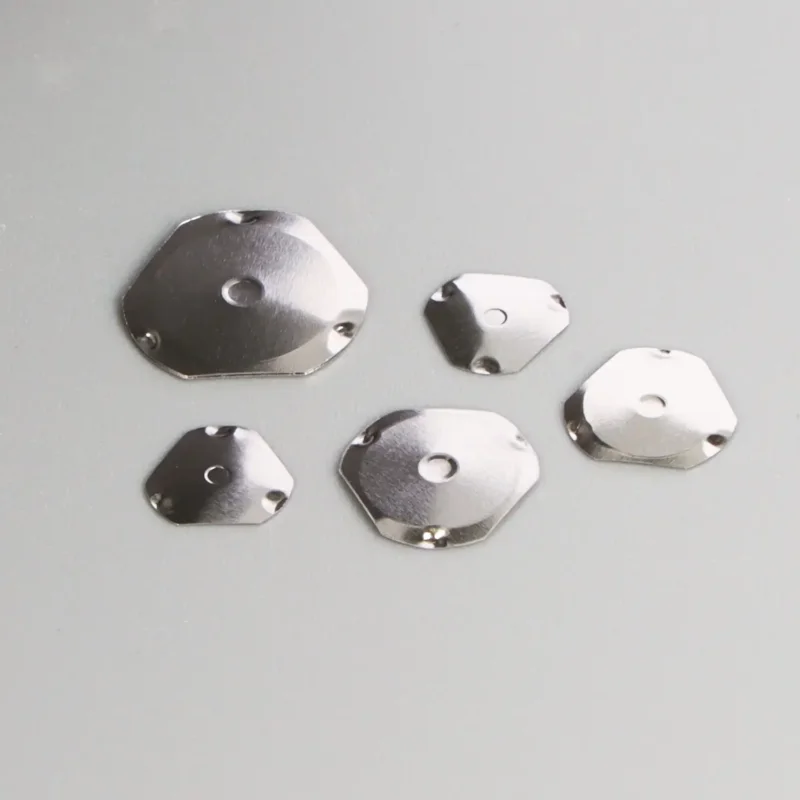
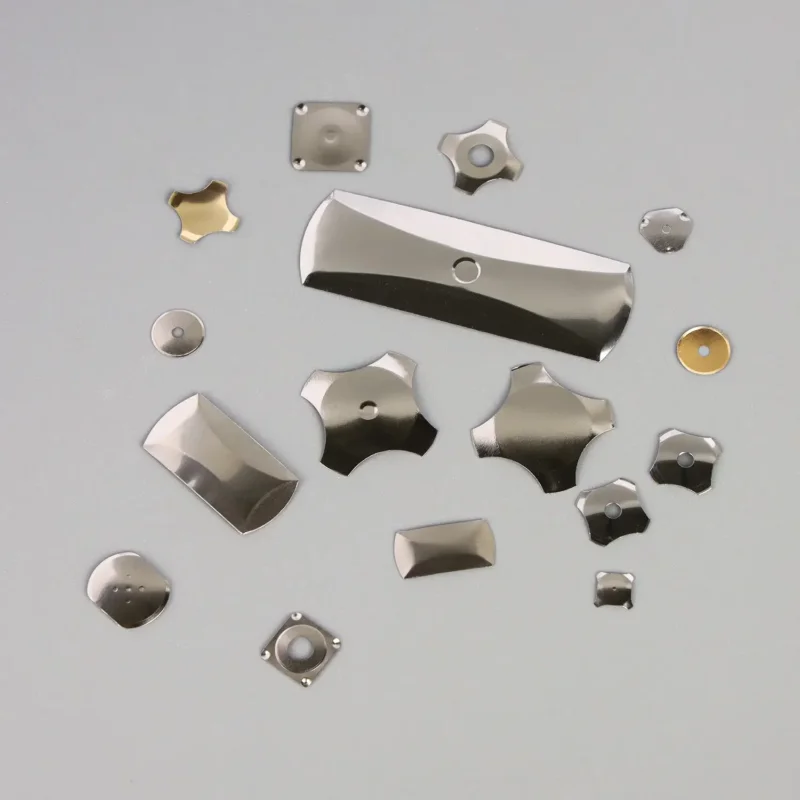
Not all domes are created equal, and their shape dictates their behavior. You will typically encounter round, four-leg, triangular, and oblong shapes. While it might be tempting to just use whatever fits the PCB footprint, the shape affects the life cycle and the “sweet spot” for the finger.
Four-leg metal domes are the workhorses of the industry. They tend to have a better travel distance and allow for PCB traces to run underneath them easily. Round domes, while compact, can sometimes be a bit tight and stiff. It really depends on the space constraints of your enclosure.
Here is a quick breakdown of how different shapes perform in consumer applications:
| Dome Shape | Key Characteristic | Typical Application | Trade-off |
|---|---|---|---|
| Four-Leg (Cross) | Versatile, good click feel. | General consumer electronics, keypads. | requires slightly more PCB area than round. |
| Round | Compact, sealed edge potential. | Tight spaces, simple switches. | Can feel stiffer; shorter travel. |
| Triangular | High force capability. | heavy-duty or industrial controls. | Less common in small consumer gadgets. |
| Oblong | Fits narrow spaces. | Thin bezels, side buttons. | Specific orientation required during assembly. |
3. Evaluating Plating and Contact Resistance
When we talk about metal domes, we are basically talking about a curved piece of stainless steel. By itself, stainless steel is a decent conductor, but it isn’t perfect. Over time, oxidation and environmental contaminants can creep in, especially if the device isn’t hermetically sealed.
Observation tells us that gold doesn’t oxidize like nickel or steel. If you use metal domes with gold plating on a gold-plated PCB pad, you are ensuring a reliable connection for years. It prevents that annoying flickering issue where the button works most of the time but fails when the humidity rises.
4. The Decision to Use Dimples on Metal Domes
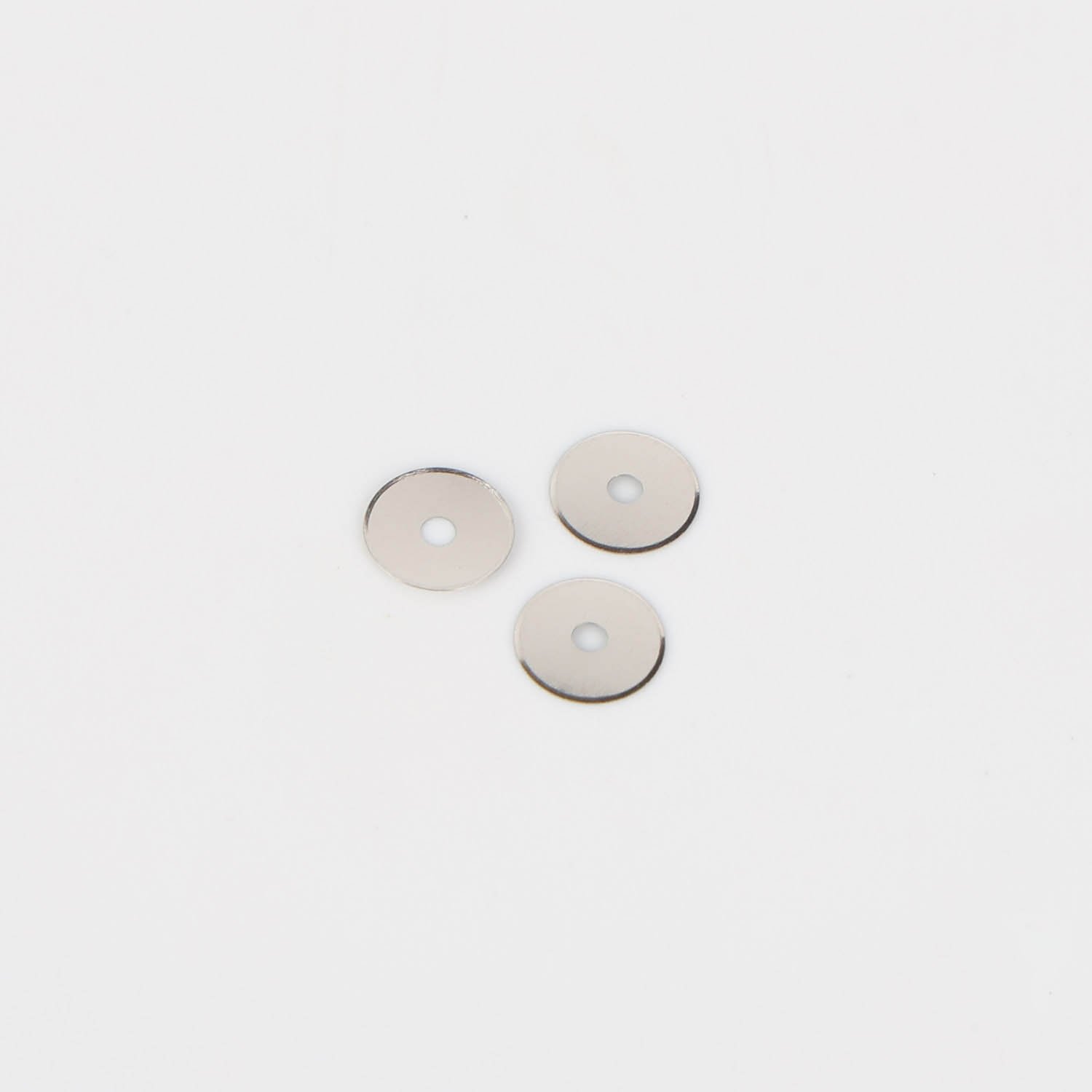
You will notice some domes are completely smooth, while others have a tiny depression in the center, known as a dimple. Does it matter? Yes, it does.
The dimple reduces the contact area between the dome and the PCB pad. Paradoxically, reducing the area increases the pressure at that specific point.
- Non-dimpled domes: These rely on the edges or a flatter center contact. They are fine for general use but can be sensitive to dust.
- Dimpled domes: These offer higher contact reliability. They also tend to provide a slightly more distinct tactile feel because the force is concentrated.
5. Managing Venting and Airflow for Metal Domes
This is the tip that bites designers the most often. You pick the perfect dome, the perfect force, and the perfect shape. You stick it on the PCB with a nice adhesive spacer layer, put the plastic enclosure on, and… the button feels dead.
The problem is usually air. You have to ensure there is a way for air to escape. This can be achieved by:
- Venting channels in the spacer layer: Small gaps in the adhesive that let air flow out sideways.
- Venting holes in the PCB: A small via drilled through the board (linking to the other side) allows the air to exhaust out the back.
- Connecting domes: Sometimes, channels connect multiple domes so they share the air volume, though this is less effective for simultaneous presses.
Why Assembly Method Matters
Finally, consider how these are applied. You can buy metal domes in bulk (loose) or on a reel (arrays). For high-volume consumer electronics, manual placement of loose domes is a nightmare for quality control. It is almost always better to source them as “peel-and-place” arrays or domes already attached to a polyester dome sheet. This ensures alignment is perfect every time. If the dome is slightly off-center relative to the actuator, the tactile feel becomes inconsistent, and the life of the switch drops significantly.
Frequent Asked Questions
1. What is the typical life cycle of metal domes?
Most standard stainless steel domes are rated for anywhere between 100,000 to 1,000,000 cycles. For consumer electronics that get heavy use (like game controllers), you definitely want to aim for the 1 million cycle mark. The testing conditions matter, so always check if the rating assumes a specific force or actuator material.
2. Can I solder metal domes to the PCB?
Generally, no. Most metal domes are held in place using an adhesive tape or a “dome sheet” that sits on top of the PCB. There are some specific types designed for soldering (often with legs that go through the board), but in modern compact electronics, the adhesive method is overwhelmingly the standard because it saves space and allows for easier assembly.
3. Can I solder metal domes to the PCB?
This is often a sign of “teasing” or poor mechanical design. If the actuator (the plastic button pushing the dome) isn’t perfectly centered or if the dome is slightly deformed, it might snap, release slightly, and snap again during a single press. It can also happen if the dome is too large for the pad. Ensuring the actuator is smaller than the dome diameter usually helps fix this.