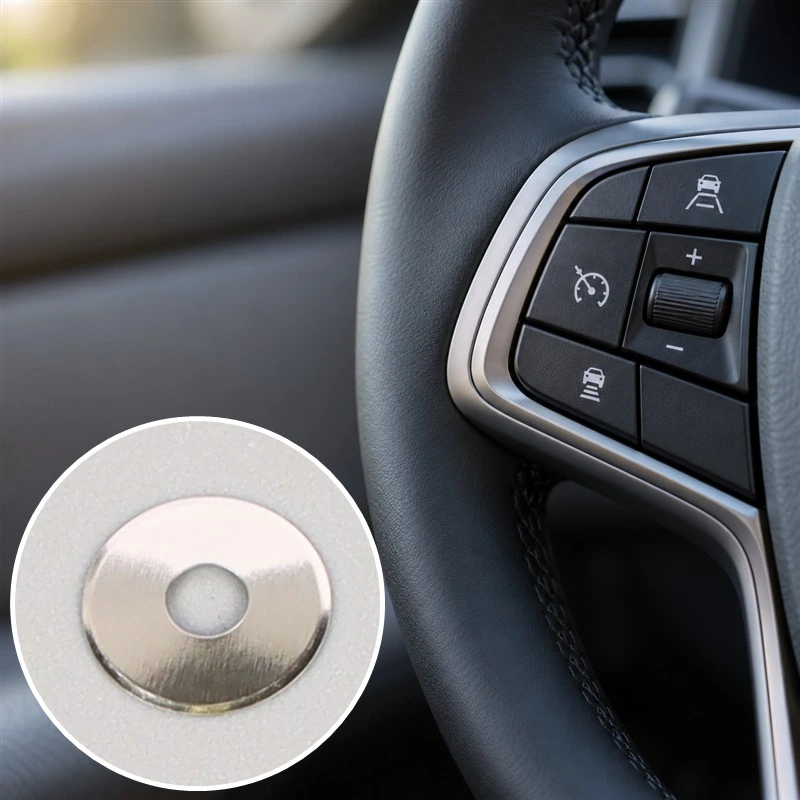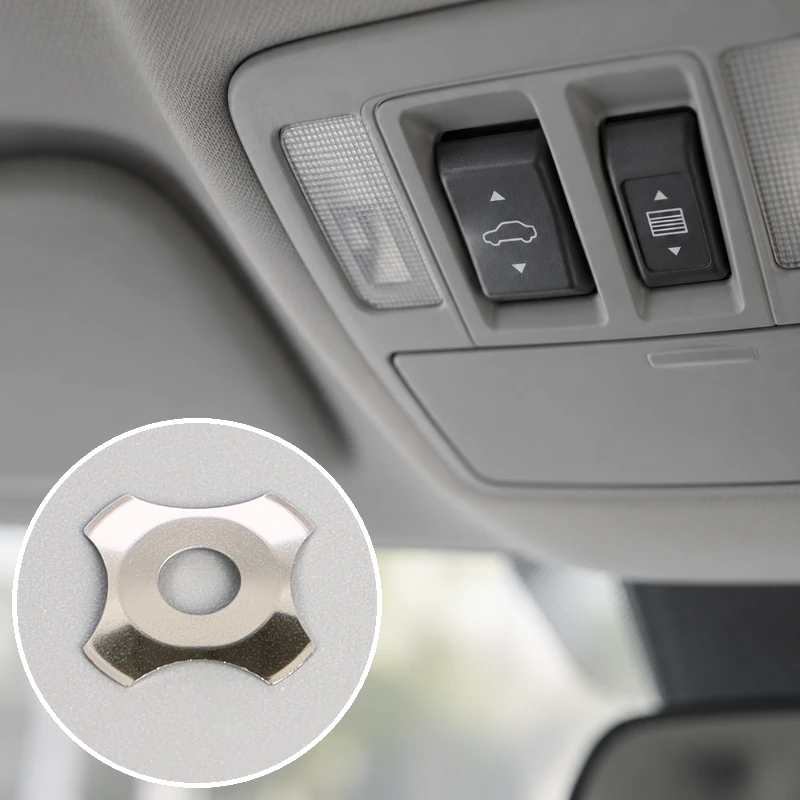
If you’ve noticed this kind of degradation, you’re not alone. Tactile feel loss is one of the more common (and frustrating) issues that show up in keypad assemblies, control panels, and electronic devices after extended use. The reasons behind it are usually mechanical, sometimes chemical, and occasionally just bad luck during manufacturing.
Common Reasons a Metal Dome Loses Its Tactile Response
There’s rarely a single cause. More often, several small factors stack up until the user finally notices something feels off. The 메탈 돔 itself — that small, cleverly engineered snap component — is doing exactly what it was designed to do, until something interferes with its behavior.
Material Fatigue After Repeated Cycles
Every metal dome has a finite lifespan. Most are rated for somewhere between 1 million and 5 million actuations, depending on construction and application. After enough cycles, the stainless steel begins to lose its spring properties. The dome still snaps, but the force curve flattens out, and the tactile peak (that distinct moment of click) softens into something more gradual.
This kind of fatigue is gradual, which is partly why it sneaks up on users. There’s no obvious failure point — just a slow erosion of feel that becomes noticeable only when comparing a worn unit to a new one.
Contamination Underneath the Dome
Dust, skin oils, moisture, residue from cleaning agents — any of these can work their way underneath dome arrays over time. Even small amounts of debris between the dome and its contact pad change the way the dome collapses. The result is often described as “spongy” or “dead” feel, sometimes accompanied by intermittent contact failures.
A few common contamination sources worth considering:
Operator hand oils transferring through overlay films
Liquid spills that breach worn or damaged seals
Particulate ingress in dusty industrial environments
Cleaning chemical residue trapped under adhesive layers
Adhesive Backing Failure
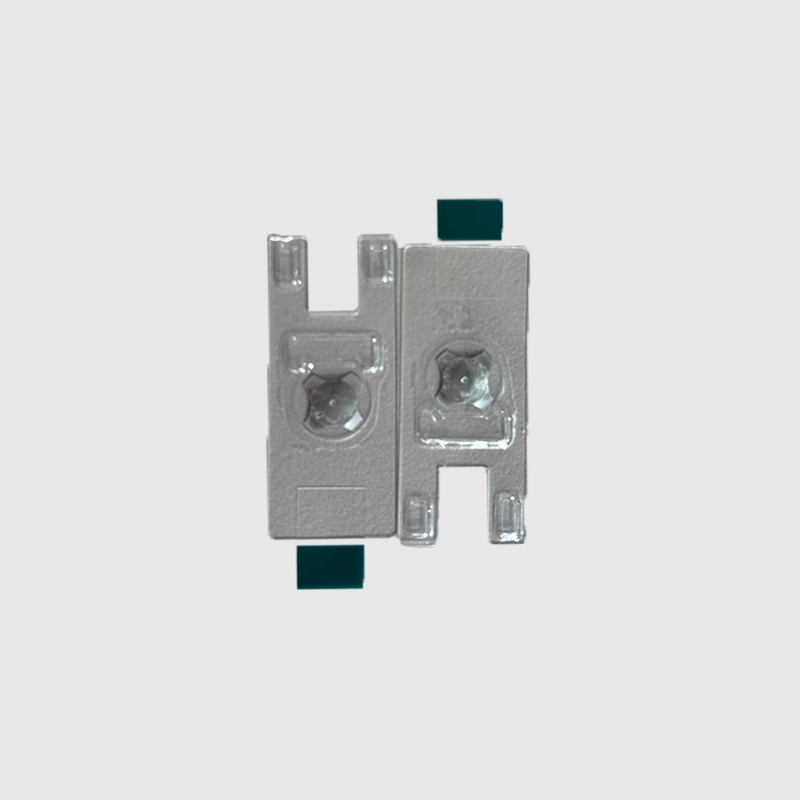
This one gets overlooked surprisingly often. Most dome assemblies use a polyester adhesive layer to hold the metal dome in position over its contact points. When that adhesive degrades — from heat, age, or chemical exposure — the dome can shift, lift slightly, or lose proper alignment with the underlying PCB.
When alignment drifts, even slightly, the dome no longer collapses against its center contact the way it should. Tactile feel suffers. Reliability suffers more.
Overlay or Actuator Issues
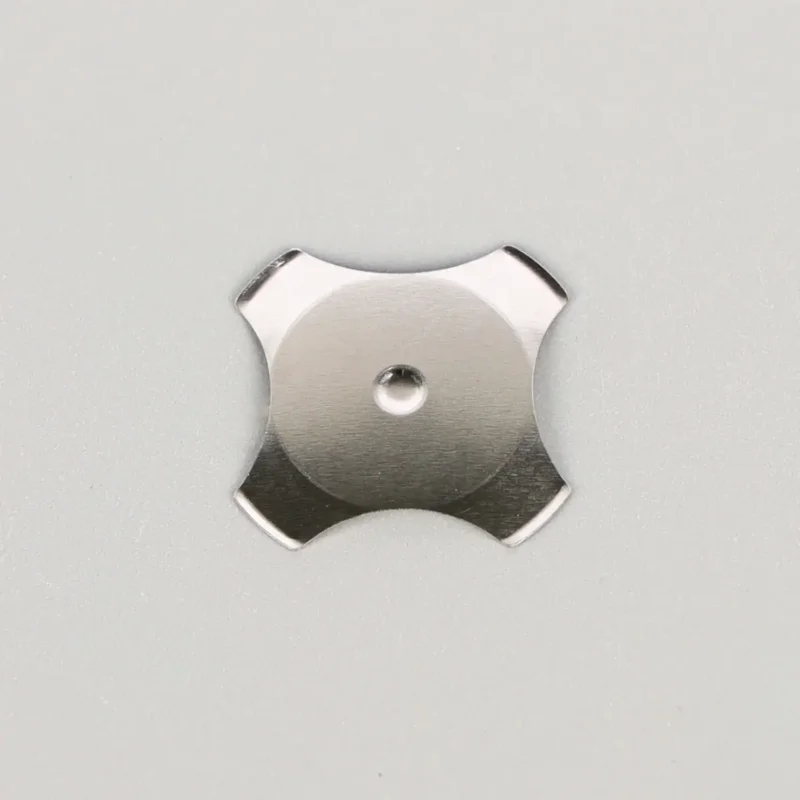
Sometimes the 네 개의 다리가 달린 금속 돔 is fine and the problem lives elsewhere. A worn-out keypad overlay, a cracked plunger, or a button cap that’s lost its return spring all create the impression that the metal dome has failed. Worth checking these layers before assuming the Four Legs Metal Dome itself is the culprit.
Diagnosing the Cause of Metal Dome Tactile Loss
| 증상 |
가능한 원인
|
Quick Check
|
|---|---|---|
|
Mushy, soft click
|
Material fatigue or adhesive lift
|
Compare actuation force to spec
|
|
Inconsistent registration
|
Contamination under dome
|
Inspect for residue or moisture
|
|
Double-clicks
|
Worn dome or bouncing contact
|
Test signal output on oscilloscope
|
|
Dead zones in keypad
|
Dome misalignment or PCB damage
|
Visual inspection under magnification
|
|
Reduced travel distance
|
Overlay degradation, not dome
|
Test bare dome without overlay
|
Preventing Metal Dome Tactile Degradation
Some degradation is unavoidable. Domes wear out — that’s the nature of mechanical components. But a fair amount of premature failure traces back to issues that proper design and handling could have prevented.
A few practical recommendations:
Specify domes rated well above the expected cycle count. Building in headroom extends usable life considerably.
Use sealed overlays where moisture or dust exposure is likely. Open keypad designs invite contamination.
Choose adhesive backings rated for the operating temperature range, not just room temperature performance.
Test cleaning compatibility before standardizing on chemical agents. Some solvents attack adhesive layers faster than others.
Keep dome storage environments stable. Humidity and temperature swings during storage shorten service life before installation even happens.
When Replacement Becomes the Right Call
결국 모든 금속 돔 어셈블리는 수명을 다하게 됩니다. 많이 사용하는 키와 거의 사용하지 않는 키 사이의 눈에 띄는 키감 차이, 이전에 안정적이었던 버튼의 간헐적인 등록, 검사 중 부식 또는 접착제가 분리된 흔적 등 무엇을 살펴봐야 하는지 알면 징후는 대개 명확합니다.
이 시점에서 교체는 간단합니다. 사용자가 불만을 제기하기 전에 문제를 파악하는 것이 더 어렵기 때문에 고장 보고를 기다리기보다는 생산 장비에 대한 정기적인 점검이 더 현명한 운영 선택이 되는 경향이 있습니다.
자주 묻는 질문
고품질 메탈 돔은 일반적인 사용 시 얼마나 오래 사용할 수 있나요?
대부분의 의료용 및 산업용 돔은 1~5백만 번의 작동을 견딜 수 있습니다. 실제 수명은 환경, 가해지는 힘, 오버레이 보호에 따라 달라집니다.
촉감을 잃은 금속 돔을 교체하지 않고 복원할 수 있나요?
때로는 돔 아래를 청소하거나 성능이 저하된 접착제를 교체하면 원래의 느낌을 되찾을 수 있습니다. 재료의 피로가 문제를 일으켰다면 교체만이 유일한 해결책입니다.
습도가 메탈 돔 성능에 정말 그렇게 큰 영향을 미칠까요?
예, 대부분의 사람들이 예상하는 것보다 더 많습니다. 장기간 습기에 노출되면 접착 실패가 가속화되고 밀봉된 어셈블리를 통해서도 오염 경로가 생길 수 있습니다.