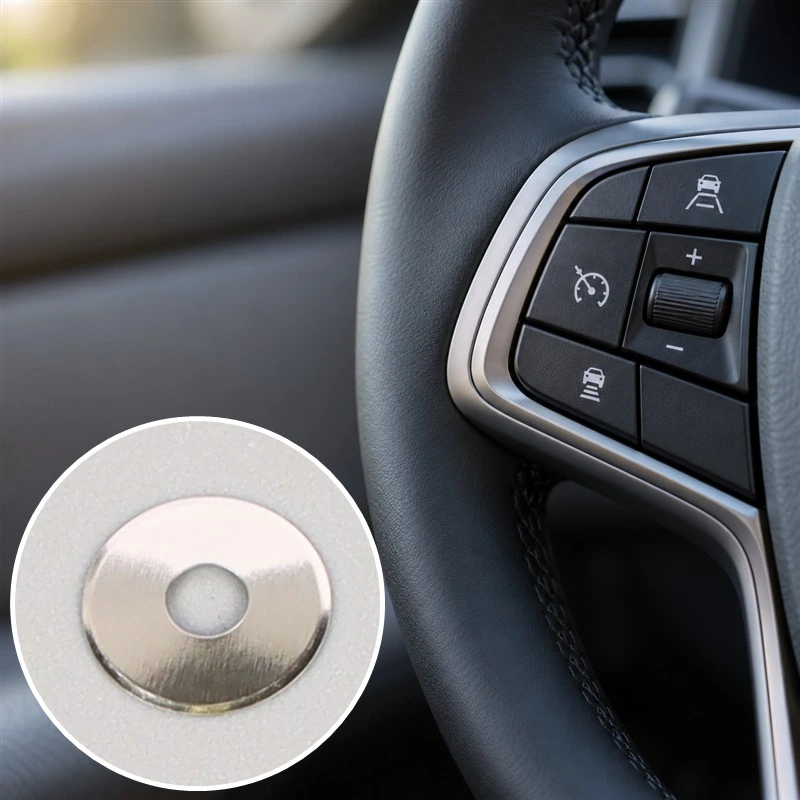
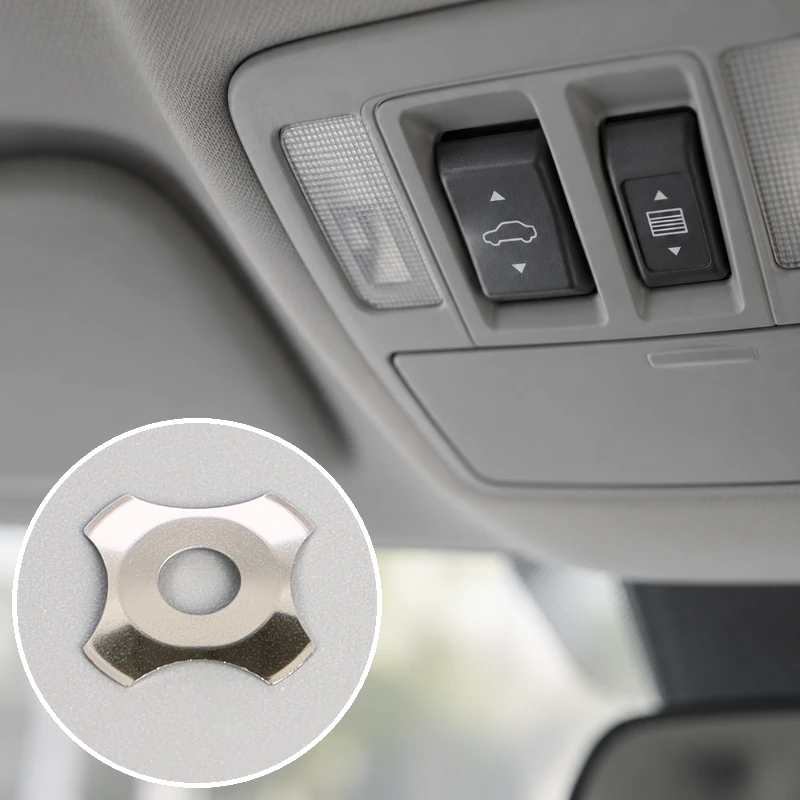
If you’ve noticed this kind of degradation, you’re not alone. Tactile feel loss is one of the more common (and frustrating) issues that show up in keypad assemblies, control panels, and electronic devices after extended use. The reasons behind it are usually mechanical, sometimes chemical, and occasionally just bad luck during manufacturing.
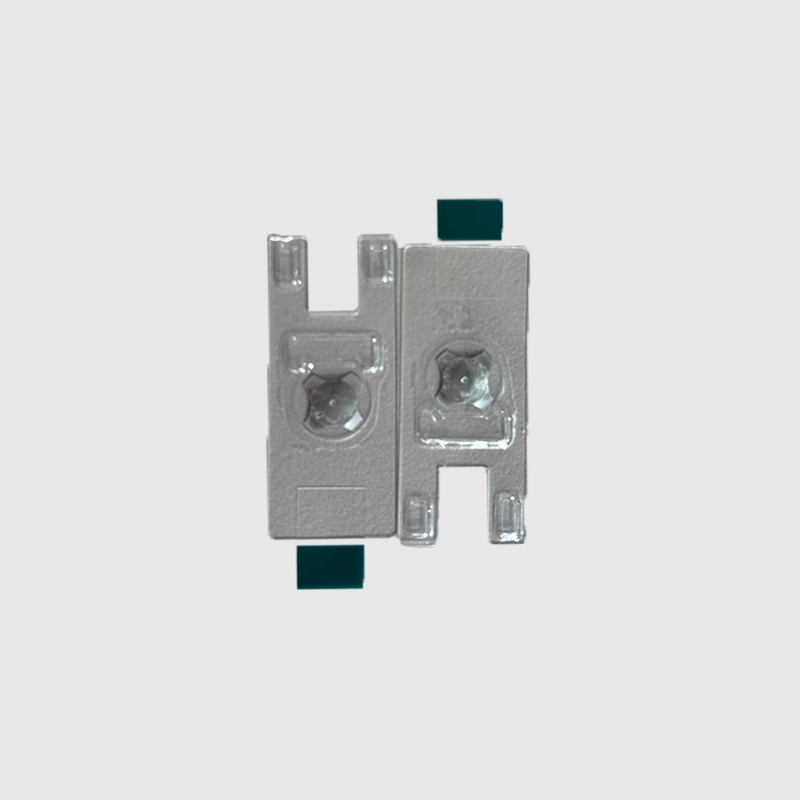
Common Reasons a Metal Dome Loses Its Tactile Response
There’s rarely a single cause. More often, several small factors stack up until the user finally notices something feels off. The cupola metallica itself — that small, cleverly engineered snap component — is doing exactly what it was designed to do, until something interferes with its behavior.
Material Fatigue After Repeated Cycles
Every metal dome has a finite lifespan. Most are rated for somewhere between 1 million and 5 million actuations, depending on construction and application. After enough cycles, the stainless steel begins to lose its spring properties. The dome still snaps, but the force curve flattens out, and the tactile peak (that distinct moment of click) softens into something more gradual.
This kind of fatigue is gradual, which is partly why it sneaks up on users. There’s no obvious failure point — just a slow erosion of feel that becomes noticeable only when comparing a worn unit to a new one.
Contamination Underneath the Dome
Dust, skin oils, moisture, residue from cleaning agents — any of these can work their way underneath dome arrays over time. Even small amounts of debris between the dome and its contact pad change the way the dome collapses. The result is often described as “spongy” or “dead” feel, sometimes accompanied by intermittent contact failures.
A few common contamination sources worth considering:
Operator hand oils transferring through overlay films
Liquid spills that breach worn or damaged seals
Particulate ingress in dusty industrial environments
Cleaning chemical residue trapped under adhesive layers
Adhesive Backing Failure
This one gets overlooked surprisingly often. Most dome assemblies use a polyester adhesive layer to hold the metal dome in position over its contact points. When that adhesive degrades — from heat, age, or chemical exposure — the dome can shift, lift slightly, or lose proper alignment with the underlying PCB.
When alignment drifts, even slightly, the dome no longer collapses against its center contact the way it should. Tactile feel suffers. Reliability suffers more.
Overlay or Actuator Issues
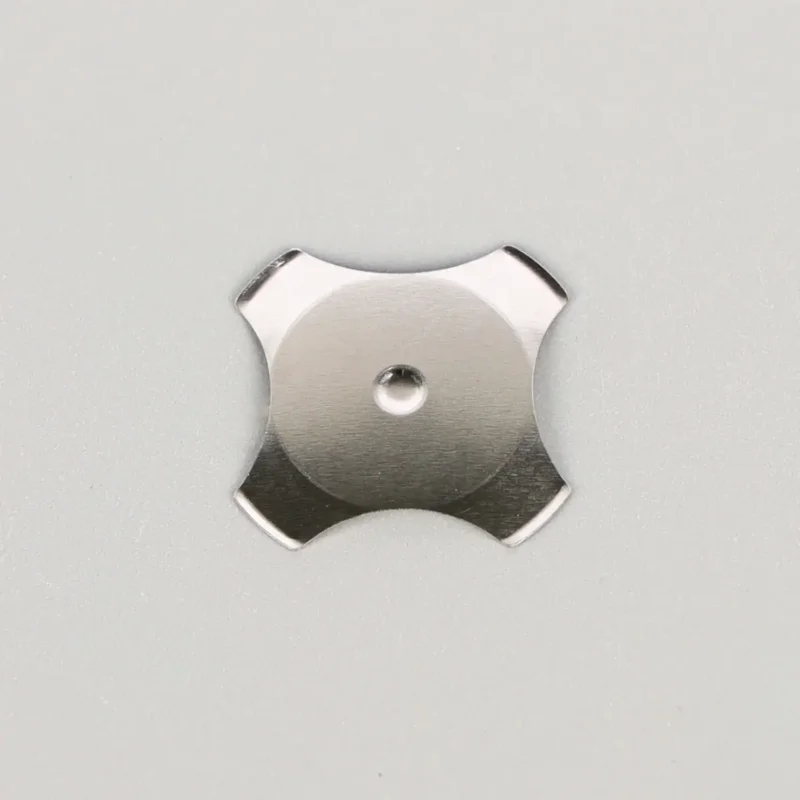
Sometimes the four legs metal dome is fine and the problem lives elsewhere. A worn-out keypad overlay, a cracked plunger, or a button cap that’s lost its return spring all create the impression that the metal dome has failed. Worth checking these layers before assuming the Four Legs Metal Dome itself is the culprit.
Diagnosing the Cause of Metal Dome Tactile Loss
| Sintomo |
Probabile causa
|
Quick Check
|
|---|---|---|
|
Mushy, soft click
|
Material fatigue or adhesive lift
|
Compare actuation force to spec
|
|
Inconsistent registration
|
Contamination under dome
|
Inspect for residue or moisture
|
|
Double-clicks
|
Worn dome or bouncing contact
|
Test signal output on oscilloscope
|
|
Dead zones in keypad
|
Dome misalignment or PCB damage
|
Visual inspection under magnification
|
|
Reduced travel distance
|
Overlay degradation, not dome
|
Test bare dome without overlay
|
Preventing Metal Dome Tactile Degradation
Some degradation is unavoidable. Domes wear out — that’s the nature of mechanical components. But a fair amount of premature failure traces back to issues that proper design and handling could have prevented.
A few practical recommendations:
Specify domes rated well above the expected cycle count. Building in headroom extends usable life considerably.
Use sealed overlays where moisture or dust exposure is likely. Open keypad designs invite contamination.
Choose adhesive backings rated for the operating temperature range, not just room temperature performance.
Test cleaning compatibility before standardizing on chemical agents. Some solvents attack adhesive layers faster than others.
Keep dome storage environments stable. Humidity and temperature swings during storage shorten service life before installation even happens.
When Replacement Becomes the Right Call
Eventually, every metal dome assembly reaches the end of its useful life. The signs are usually clear once you know what to look for: noticeable difference in feel between heavily used and rarely used keys, intermittent registration on previously reliable buttons, or visible signs of corrosion or adhesive separation under inspection.
Replacement at that point is straightforward. The harder part is catching the issue before users start complaining — which is why periodic inspection on production equipment, rather than waiting for failure reports, tends to be the smarter operational choice.
FAQ
How long should a quality metal dome last in normal use?
Most medical and industrial grade domes are rated for 1 to 5 million actuations. Actual lifespan depends on environment, force applied, and overlay protection.
Can a metal dome that lost its tactile feel be restored without replacement?
Sometimes cleaning underneath the dome or replacing degraded adhesive recovers original feel. If material fatigue caused the issue, replacement is the only real solution.
Does humidity really affect metal dome performance that much?
Yes, more than most people expect. Long-term humidity exposure accelerates adhesive failure and can introduce contamination paths even through sealed assemblies.