
That satisfying click when pressing a button on a remote control or a microwave panel comes from somewhere. It is not magic, though it sometimes feels like it. Behind that tactile response sits a small curved piece of metal doing all the work. The metal snap dome is one of those components that people rarely think about until something goes wrong with it. Getting familiar with how to use these tiny switches properly can save a lot of headaches during assembly and product testing.
What Exactly Is a Metal Snap Dome
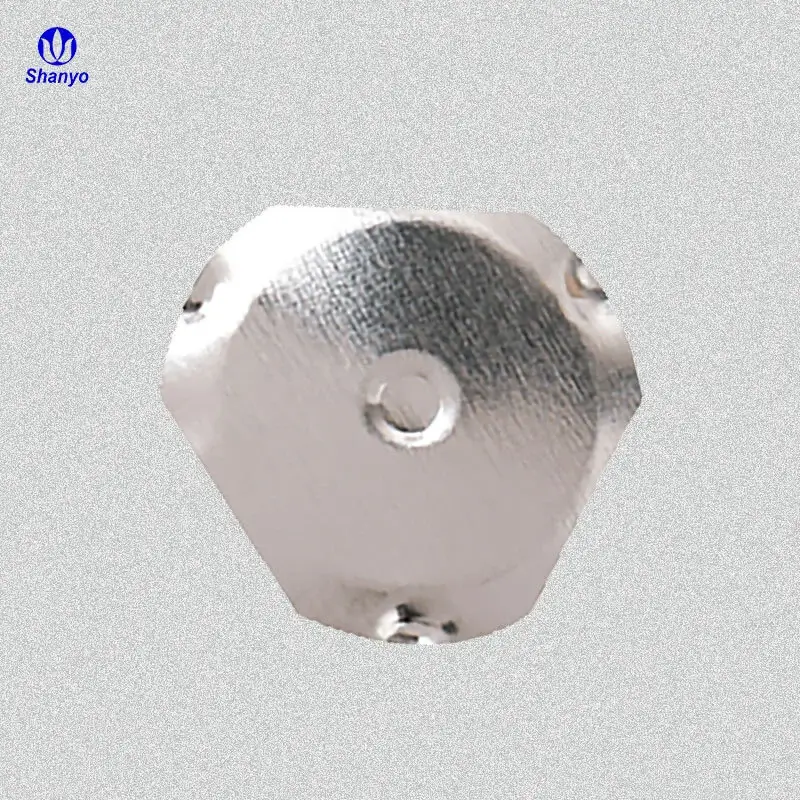
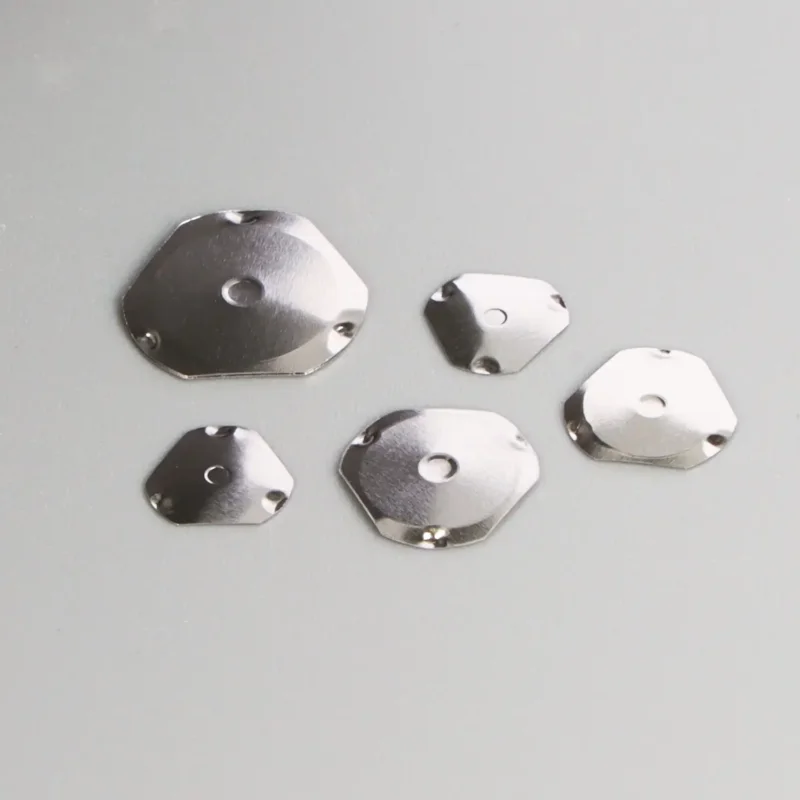
Before diving into usage, understanding the component itself helps quite a bit. A metal snap dome is basically a small, dome-shaped piece of thin stainless steel. When pressed, it collapses downward and makes contact with a circuit pad underneath. Release the pressure, and the dome pops back up. Simple enough in theory.
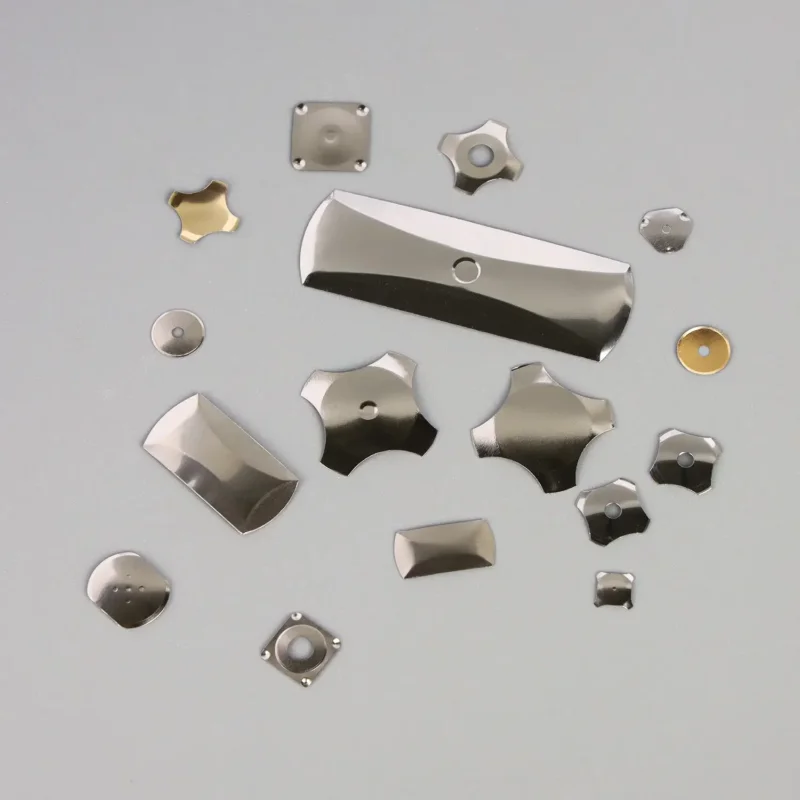
These domes come in different shapes. Round ones are probably the most common. But there are also four-legged versions, triangular ones, and even oblong shapes for specific applications. Each shape affects the tactile feedback slightly. Some feel sharper, others feel softer. It really depends on what the end product needs.
Why Use a Metal Snap Dome
There are other switch technologies out there, sure. Rubber domes exist too. But a metal snap dome tends to offer a crisper feel and longer lifespan. They handle millions of actuations without losing that snap. For products where button feel matters to users, this component becomes essential.
Preparing to Work With Metal Snap Dome Components
Workspace Considerations
The work area needs to be clean. Dust particles and oils from skin can interfere with the electrical contact between the metal snap dome and the PCB pads. An ESD-safe environment is also recommended since static discharge can damage sensitive components nearby.
Tools You Will Need
Having the right tools on hand makes the process smoother:
- Anti-static tweezers (preferably non-magnetic)
- Isopropyl alcohol and lint-free wipes
- Magnifying lamp or microscope for inspection
- Adhesive overlay or polyester retainer tape
- The PCB with proper dome footprints
Some people try to place domes using their fingers. This approach works sometimes but introduces skin oils onto the contact surfaces. Tweezers remain the safer option overall.
Step-by-Step Guide to Using Metal Snap Dome Switches
Now for the actual assembly process. The steps themselves are not complicated, but attention to detail determines success or failure.
Cleaning the PCB Surface
Wipe down the contact pads with isopropyl alcohol before anything else. Let it dry completely. Residue from the manufacturing process or fingerprints from handling can create intermittent connections later on. Takes maybe thirty seconds but prevents hours of troubleshooting.
Placing the Metal Snap Dome
Here is where precision matters:
- Pick up the dome by its outer edge using tweezers
- Position it over the center of the contact pad
- Lower it gently until it sits flat
- Check that the dome edges rest evenly on the outer contact ring
- Avoid pressing down on the center during placement
If the dome lands crooked, do not try to slide it into position. Lifting and repositioning works better than dragging, which can scratch the pad surface.
Securing With Adhesive Overlay
A metal snap dome cannot just sit loose on the board. It needs something holding it in place. Most assemblies use a clear adhesive spacer layer or polyester tape stretched over the top. This keeps the dome centered and prevents it from shifting during product use.
When applying the overlay, smooth it from the center outward. Air bubbles trapped underneath affect the tactile feel and can even prevent proper actuation. Some manufacturers use pre-cut overlays with positioning holes, which simplifies alignment quite a bit.
Common Metal Snap Dome Specifications and Selection
| Parameter | Typical Range | Notes |
|---|---|---|
| Diameter | 4mm to 20mm | Must match PCB footprint |
| Actuation Force | 100g to 600g | Higher force means stiffer feel |
| Travel Distance | 0.15mm to 0.35mm | Affects tactile perception |
| Life Cycle | 500K to 5M cycles | Depends on material quality |
| Contact Resistance | Below 100 milliohms | Lower is generally better |
Selecting the wrong actuation force is a common mistake. Something too light might trigger accidentally in a pocket. Something too heavy makes the button feel unresponsive.
Troubleshooting Metal Snap Dome Issues
No Click Feel
If pressing the button produces no tactile response, the dome might be inverted or deformed. Sometimes during handling, domes flip inside out without anyone noticing. An inverted metal snap dome cannot snap properly because the geometry is reversed.
Intermittent Contact
When a button works sometimes but not always, contamination is usually the culprit. Oils, dust, or oxidation on the contact pads prevents reliable connection. Cleaning helps, though severely oxidized pads might need replacement.
Double Actuation
A single press registering twice points to bounce issues. While software debouncing handles most cases, a damaged or poorly seated dome can make bounce worse. Physical inspection usually reveals if the dome is sitting correctly.
Best Practices When Handling Metal Snap Dome Arrays
For products with multiple buttons, domes often come pre-arranged on carrier tape or sheets. This format speeds up assembly considerably.
Some tips worth remembering:
- Store dome sheets in low-humidity environments
- Handle carriers by the edges only
- Use automated pick-and-place when volume justifies it
- Inspect a sample batch before full production runs
One observation from production environments: even experienced technicians occasionally place a dome upside down. Visual checks after placement catch these errors before they become costly. If you want to know more about metal snap dome, please read about What are Metal Snap Domes.
FAQ
Can a metal snap dome be reused after removal?
Generally not recommended. Once removed, the adhesive loses stickiness and the dome may have slight deformation from the removal process. Using a fresh dome ensures consistent tactile feel and reliable contact.
What causes a metal snap dome to lose its click over time?
Metal fatigue is the primary reason. After millions of cycles, the stainless steel loses some elasticity. Operating beyond the rated force consistently also accelerates wear. Quality materials and proper usage extend lifespan significantly.
How do you choose between round and four-leg metal snap dome designs?
Round domes provide a smoother, more centered press feel. Four-leg versions offer a slightly crisper snap and work well where the button might be pressed off-center. Application requirements and available PCB space usually guide the decision.