
Why Proper Metal Dome Array Installation on PCB Matters
Getting a metal dome array onto a PCB seems like it should be simple enough. Just line things up and stick it down. But anyone who’s dealt with misaligned switches or intermittent contact issues knows the reality is more nuanced than that.
The installation process directly affects how the finished product performs. Poor technique leads to inconsistent tactile feedback, unreliable switching, and sometimes complete failure of certain button positions. None of those outcomes are acceptable in production environments.
What follows is a practical walkthrough of installing metal dome arrays on PCB surfaces. The focus here is on methods that actually work in real-world conditions, not just ideal laboratory settings.
Preparing Your PCB for Metal Dome Array Installation
Preparation accounts for a surprisingly large portion of installation success. Skipping or rushing these steps causes problems that become apparent only after assembly is complete—when fixing them becomes much more difficult.
Surface Cleaning Requirements
PCB contact pads must be absolutely clean before mounting any metal dome array. Contamination interferes with both adhesive bonding and electrical contact. The cleaning process should include:
- Wipe surface with isopropyl alcohol (90% concentration minimum)
- Use lint-free or cleanroom wipes exclusively
- Allow complete drying before proceeding
- Inspect under magnification for remaining particles
- Repeat if any contamination remains visible
PCB Inspection Checklist
Before installation begins, verify the PCB meets requirements:
- Contact pads show no oxidation or discoloration
- Solder mask edges are clean and defined
- No debris or flux residue near mounting area
- All pads are properly tinned if specification requires
- Board is flat without warping
Catching problems at this stage saves considerable rework later. A warped PCB, for instance, prevents proper dome seating and causes inconsistent actuation across different switch positions.
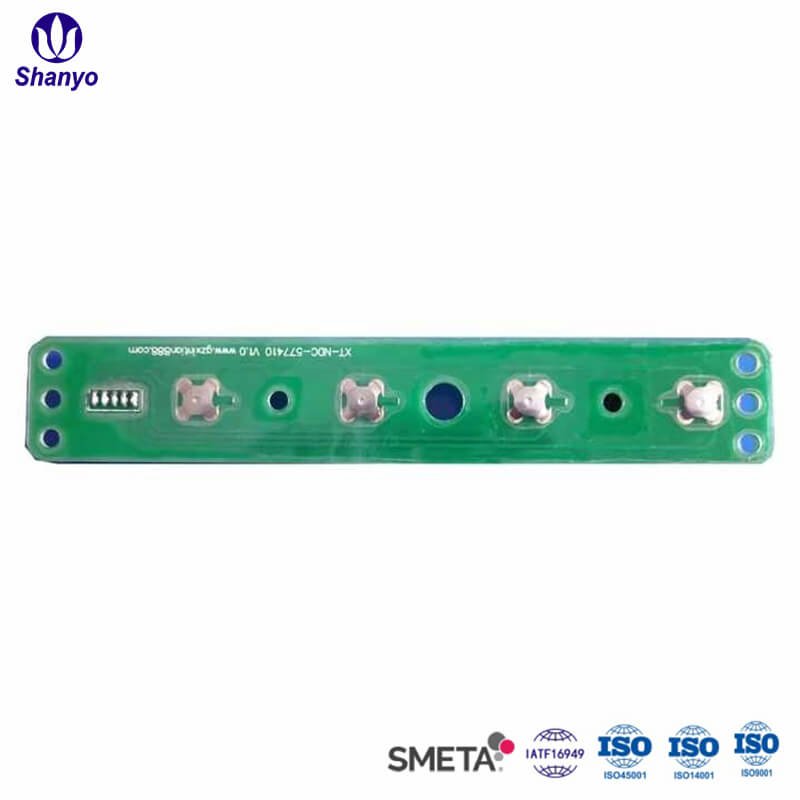
Environmental Conditions for Metal Dome Array Installation
| Factor | Recommended Range | Acceptable Range | Avoid |
|---|---|---|---|
| Temperature | 22-25°C | 18-28°C | Below 15°C or above 32°C |
| Relative Humidity | 45-55% | 35-65% | Above 70% or below 25% |
| Air Quality | Controlled/filtered | Clean workspace | Dusty environments |
| Static Control | ESD-protected area | Grounded workspace | Uncontrolled static |
Adhesive behavior changes noticeably outside optimal temperature ranges. Cold conditions make adhesive stiff and less tacky. Excessive heat can cause premature bonding that prevents repositioning. Humidity affects both adhesive performance and introduces corrosion risks on exposed metal surfaces.
Step-by-Step Metal Dome Array Installation on PCB
Initial Alignment Check
Before touching the adhesive backing, position the metal dome array over the PCB to verify fit. Each dome must align precisely with its corresponding contact pad. Even small misalignment—a millimeter or so—creates actuation problems.
Look for registration features that help with positioning:
- Alignment holes matching PCB tooling holes
- Edge references against board outline
- Printed marks indicating correct orientation
- Asymmetric features preventing reversed installation
Take time with this step. Repositioning after adhesive contact is possible but risky, and results rarely match proper initial placement.
Controlled Backing Removal
Rather than peeling the entire adhesive backing at once, a staged approach works better for installing metal dome arrays on PCB surfaces. Start by removing roughly one-quarter to one-third of the backing. Fold the removed portion back on itself so it stays out of the way without creating confusion about which areas are exposed.
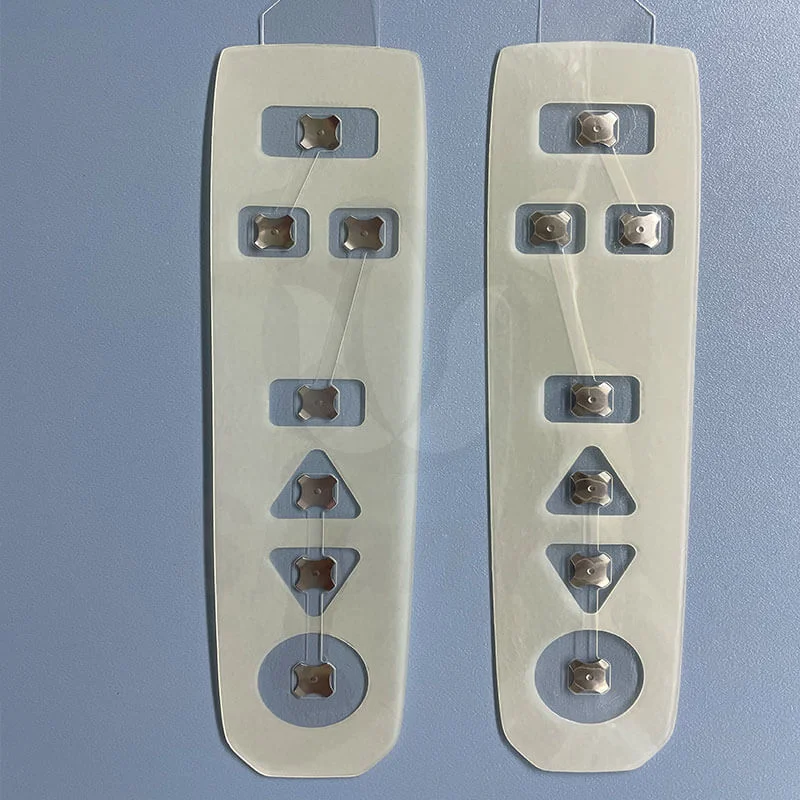
Progressive Placement Technique
With partial backing removed:
- Align the exposed section carefully with PCB reference points
- Tack down one edge or corner lightly
- Verify alignment remains correct
- Apply gentle pressure to secure the exposed portion
- Gradually peel remaining backing while pressing down
- Work from secured area outward to prevent bubbles
The progressive method allows course correction early in the process. Once half the array is secured correctly, the remainder naturally falls into alignment.
Pressure Application
After the metal dome array is fully positioned, uniform pressure application ensures proper adhesive bond. A small roller designed for this purpose works well. Alternatively, a squeegee with appropriate firmness can substitute.
Apply pressure systematically across the entire surface. Pay particular attention to:
- Edges where lifting tends to occur
- Corners that may not receive adequate initial pressure
- Areas around each dome position
- Transition zones between dome clusters
Some specifications call for specific pressure levels measured in PSI. When such requirements exist, calibrated tools ensure compliance.
Common Problems During Metal Dome Array PCB Installation
Air Bubble Entrapment
Bubbles trapped under the carrier film cause multiple problems. They may prevent domes from seating properly, create cosmetic defects visible through transparent overlays, or allow moisture ingress over time.
Prevention involves working slowly during placement and using roller pressure to push air toward edges. Small bubbles sometimes work themselves out during curing, but larger ones require intervention—either puncturing with a fine needle or lifting the affected section for reapplication.
Adhesive Contamination
Sometimes adhesive backing gets touched accidentally, transferring oils or particles that reduce bond strength. If contamination is noticed before placement, the affected area can sometimes be cleaned carefully. Significant contamination usually means the array should be replaced rather than risking unreliable adhesion.
Post-Installation Verification of Metal Dome Array on PCB
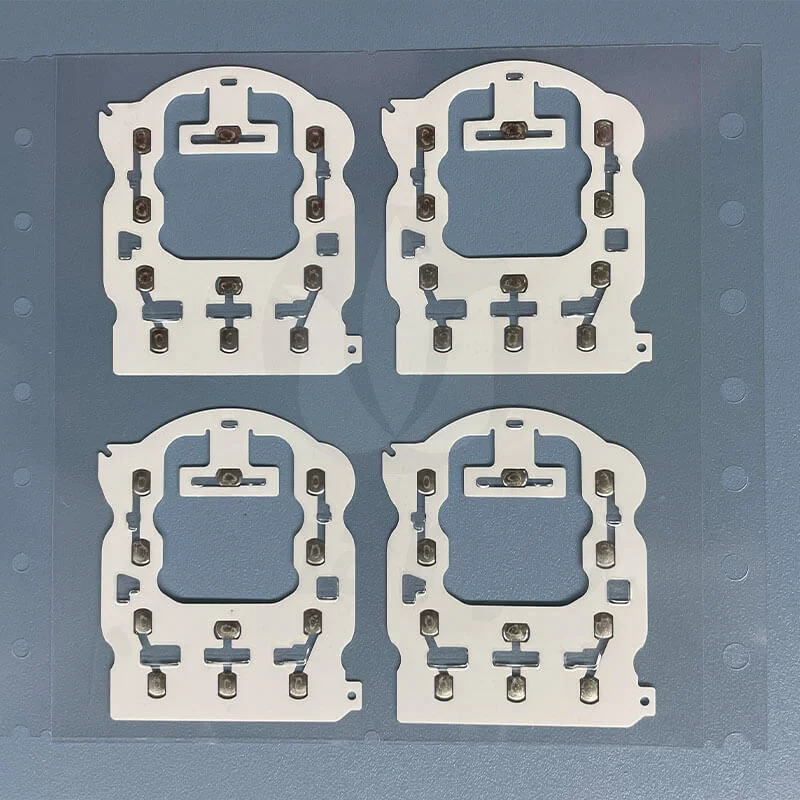
Visual Inspection
Examine each dome position under adequate lighting. Look for:
- Proper centering over contact pads
- Consistent dome height across all positions
- No visible air bubbles or lifted edges
- Correct orientation of any asymmetric features
Functional Testing
Electrical testing should verify each switch position operates correctly. This typically involves checking continuity during actuation and confirming open circuit when released. Automated test equipment handles this efficiently in production settings, while manual testing with a multimeter works for prototypes or small quantities.
Tactile Verification
Beyond electrical function, tactile feedback should feel consistent across all dome positions. Variations in click feel may indicate alignment issues, damaged domes, or contamination under specific positions. Any position that feels noticeably different warrants investigation. If you want to know more about metal dome array, please read about What Is a Metal Dome Array.
FAQ
How long should adhesive cure after installing a metal dome array on PCB?
Most adhesives reach handling strength within a few hours, though full cure typically requires 24 hours at room temperature. During the curing period, avoid mechanical stress on the assembly. Some adhesive types cure faster or slower, so checking manufacturer specifications for the specific product being used provides the most accurate guidance.
Can a metal dome array be removed and reinstalled on the same PCB?
Removal is possible but reinstallation of the same array rarely works well. The adhesive loses significant bonding capability after initial application and removal. Additionally, domes may be damaged during removal attempts. PCB cleanup followed by installation of a fresh metal dome array is the reliable approach.
What causes intermittent contact after metal dome array installation on PCB?
Several factors cause intermittent behavior. Contamination on contact pads prevents reliable electrical connection. Misalignment positions dome centers away from pad locations. Insufficient adhesive bond allows slight movement that disrupts contact. Air bubbles under dome positions prevent proper seating. Troubleshooting requires examining each possibility systematically.