
Designing snap dome buttons into a product seems straightforward at first glance. Pick a size, choose a force rating, drop it onto the PCB. But the reality involves more nuance than spec sheets suggest. The difference between buttons that feel cheap and ones that feel premium often comes down to design decisions made early—decisions that become expensive to change once tooling is committed.
This guide walks through the design process with practical considerations that affect real-world performance. Not theoretical ideals, but the kind of details that prevent problems during production and keep users satisfied long after purchase.
Starting Point For Snap Dome Buttons Design
Before selecting specific components, some fundamental questions need answers. What kind of user will interact with these buttons? How often? In what environment? These questions shape everything that follows.
A remote control used casually in living rooms has different requirements than an industrial control panel operated by gloved workers in a factory. Both might use snap dome buttons, but the design parameters diverge significantly.
Consider these baseline factors:
- Expected actuations per day
- User demographics (age, hand size, potential impairments)
- Operating environment (temperature, humidity, contamination)
- Product lifespan expectations
- Cost constraints versus quality requirements
Selecting The Right Snap Dome Buttons Specifications
Force Rating Selection
Actuation force probably matters more than any other single specification. Too light and accidental presses become annoying. Too heavy and user fatigue sets in, particularly with frequently used buttons.
Typical force ratings range from about 100 grams to 500 grams, with most consumer applications falling between 150g and 250g. But context determines what feels appropriate:
| Application Type | Recommended Force | Rationale |
|---|---|---|
| Portable electronics | 150-180g | Light touch for thumb operation |
| Remote controls | 180-220g | Moderate resistance prevents accidental presses |
| Automotive controls | 250-350g | Higher force counters vibration effects |
| Industrial panels | 300-400g | Accommodates gloved operation |
| Medical devices | 200-280g | Balance between responsiveness and precision |
Dome Size And Shape
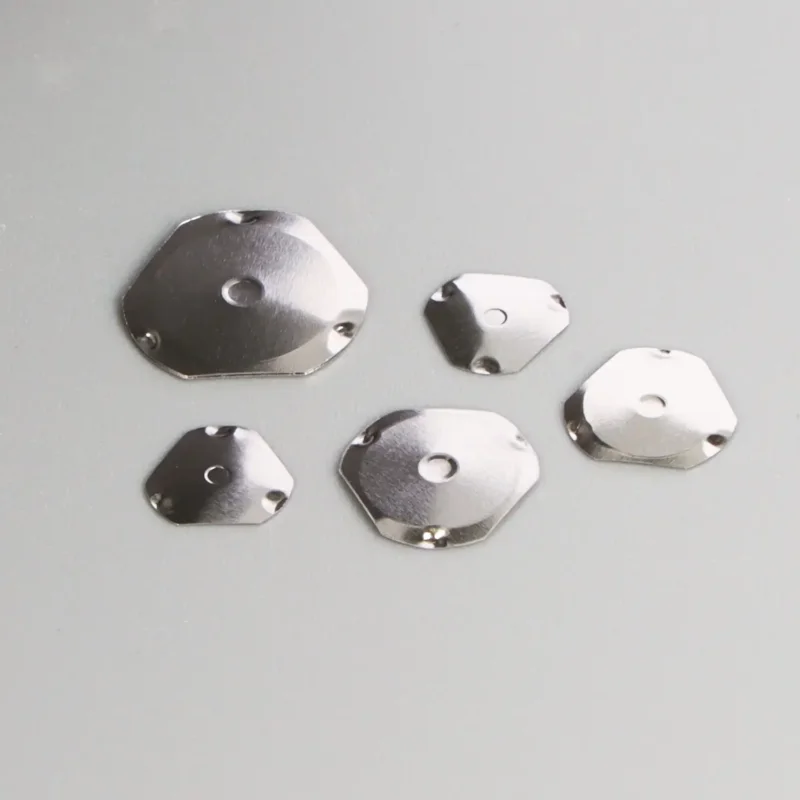
Snap dome buttons come in various diameters, commonly ranging from 4mm to 12mm. Larger domes generally support higher forces while maintaining good tactile ratio. Smaller domes fit tighter layouts but have force limitations.
Shape options include:
- Round domes—most common, even force distribution
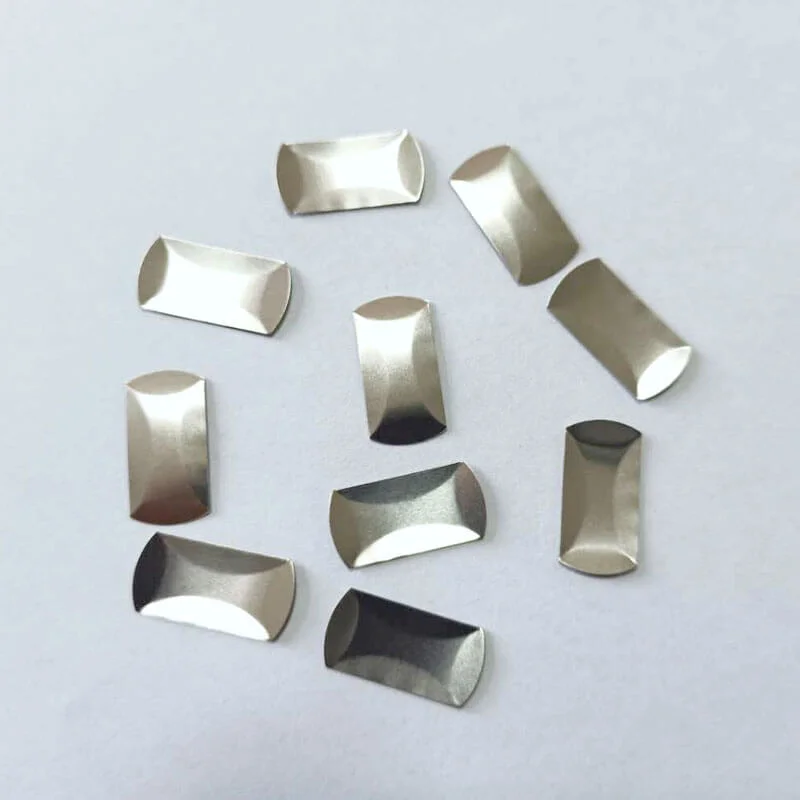
- Oval snap dome buttons—useful for space-constrained layouts
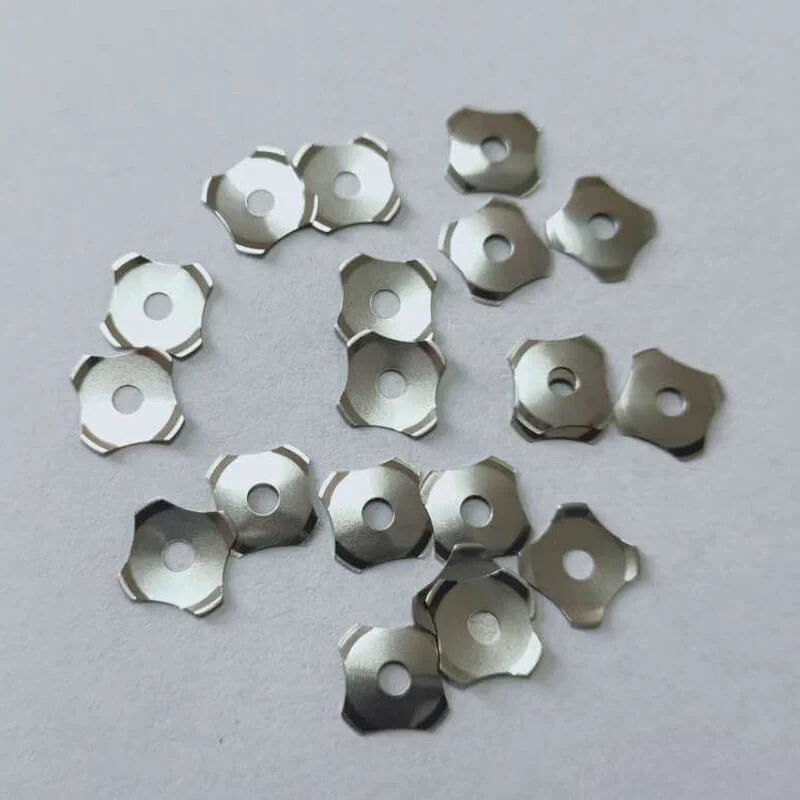
- Five-leg designs—improved centering, often preferred for larger sizes
- Triangle domes—standard configuration, stable actuation
The dome must fit within the available PCB space while allowing proper contact pad geometry. Cramming an oversized dome into a tight space causes problems—uneven actuation, inconsistent feel, potential contact reliability issues.
Material And Plating Choices
Stainless steel (typically SUS301) dominates snap dome button construction. The material offers excellent spring properties and fatigue resistance. Thickness varies from about 0.05mm to 0.15mm, affecting both force characteristics and lifespan.
Surface treatments add another decision layer:
- Nickel plating: good balance of conductivity and corrosion resistance
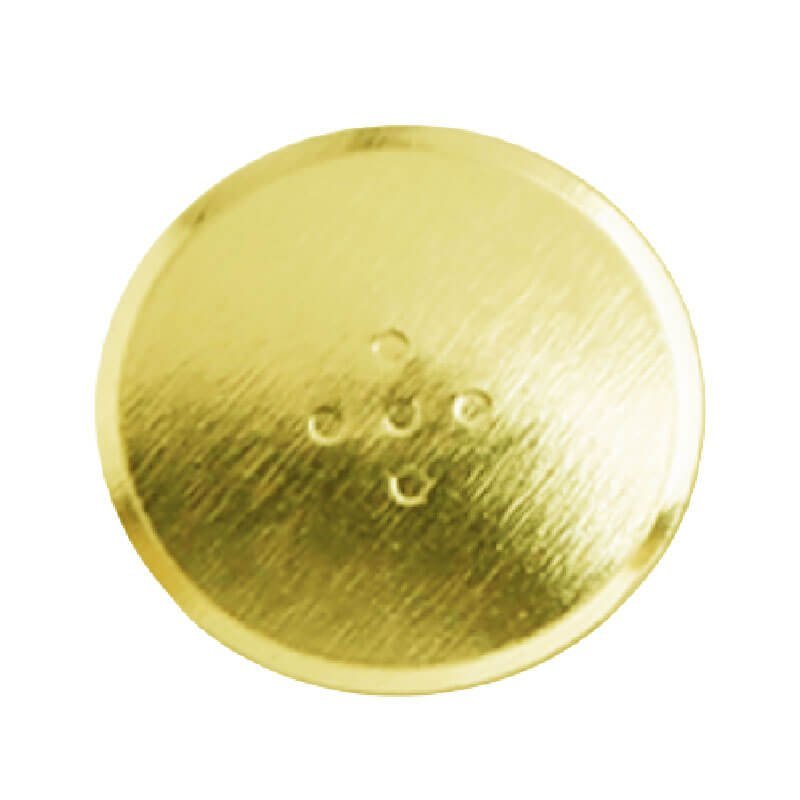
- Gold plating: superior conductivity and durability, higher cost
- Silver plating: excellent conductivity but tarnishes over time
- Bare steel: lowest cost but limited to benign environments
For products expected to last years with consistent performance, gold plating often justifies its premium. Budget consumer products might use nickel successfully.
Overlay Design Considerations For Snap Dome Buttons
Material Selection
Common overlay materials include:
- Polyester films (various thicknesses)
- Polycarbonate sheets
- Silicone rubber keypads
- Rigid plastic housings with actuator buttons
Thinner, more flexible overlays transmit tactile feedback more directly. Thicker or stiffer materials dampen the snap sensation. This isn’t necessarily bad—sometimes a softer feel suits the product better. But the choice should be intentional.
Actuator Geometry
The actuator—that raised nub or button shape on the overlay surface—affects how force transfers to the dome below. Poor actuator design causes several problems:
- Off-center actuation leading to inconsistent feel
- Force multiplication or reduction changing effective actuation force
- Incomplete dome travel affecting contact reliability
- Premature dome fatigue from angled loading
Ideally, the actuator aligns precisely with dome center and has a slightly smaller diameter than the dome itself. This promotes clean, centered actuation every time.
PCB Layout Requirements For Snap Dome Buttons
Contact Pad Design
Center pad diameter typically runs between 25% and 40% of dome diameter. Too large and contact becomes inconsistent. Too small and resistance increases, potentially causing detection issues in low-power circuits.
The outer ring supports the dome in its resting state. Width usually ranges from 0.4mm to 1.0mm depending on dome size. The gap between center pad and outer ring needs careful attention—too narrow risks contamination shorts, too wide risks incomplete contact during actuation.
Surface Finish
Pad surface finish affects both assembly and long-term reliability:
- ENIG (gold over nickel): flat surface, good conductivity, recommended for quality applications
- HASL: economical but uneven surface can affect dome seating
- OSP: flat and affordable but degrades over time
- Hard gold: best for high-cycle applications, highest cost
The investment in proper surface finish pays off through consistent performance and fewer field failures.
Testing And Validation Process
Never commit to production tooling without physical testing. Snap dome buttons feel different in actual use than specifications suggest. Subjective evaluation remains essential.
Recommended testing phases:
- Initial samples—basic feel evaluation and electrical verification
- Environmental testing—temperature extremes, humidity exposure
- Life testing—accelerated cycling to verify durability claims
- User testing—actual target users operating prototype interfaces
Life testing deserves particular attention. Running 100,000 cycles in a test fixture can reveal dome fatigue, contact degradation, or overlay wear that wouldn’t appear in brief evaluations.
Common Design Mistakes To Avoid
Experience reveals patterns in what goes wrong:
- Ignoring overlay thickness effects on tactile transmission
- Insufficient clearance between PCB and overlay for dome height
- Misalignment between actuator and dome center positions
- Choosing force ratings without user testing
- Underestimating environmental exposure effects
- Skipping life testing to meet aggressive schedules
Each mistake becomes expensive to correct after production begins. Front-loading validation effort saves considerable pain later.
FAQ
How do snap dome buttons perform in extreme temperatures?
Temperature affects tactile feel noticeably. Cold conditions stiffen the steel, increasing effective actuation force. Heat softens response slightly. Most snap dome buttons operate reliably from -40°C to +80°C, but tactile characteristics shift across this range. Testing at temperature extremes relevant to the application is advisable.
Can snap dome buttons be used with touchscreen-equipped devices?
Yes, many products combine touchscreens with physical snap dome buttons for critical functions. The physical feedback complements touch interfaces effectively. Power buttons, volume controls, and emergency functions often use snap dome buttons even on primarily touch-based devices.
What minimum order quantities apply for custom snap dome designs?
Custom designs typically require tooling investment and minimum orders ranging from 10,000 to 100,000 pieces depending on manufacturer. Standard sizes from stock usually have lower minimums. For prototypes, standard off-the-shelf domes that approximate target specifications work well before committing to custom tooling.