Metal Domes for Consumer Electronics
Specify tactile metal domes and dome arrays around your device’s button mechanism, circuit layout and target user experience.
Design the Dome Around the Finished Button
A consumer electronics metal dome provides snap action within a button assembly. The feel at the user’s finger also depends on the keycap, overlay, circuit support and available clearance. Selecting nominal force alone does not define the finished control.
For a consumer device dome array, review the position of each dome relative to the actuator and PCB or FPC contact pads. Carrier layout, adhesive clearances and the mechanical tolerance stack should be considered together before the assembly is released.
Share your button drawing and target feel with Shanyo to discuss the component and its surrounding interfaces.
Consumer Device Applications

Remote Controls & Handheld Keypads
Review key-to-key feel, actuator alignment and support beneath the contact area. Closely spaced keys and shared overlays should be checked for unintended interaction between neighbouring buttons.

Gaming Controllers
For buttons using metal domes, compare centre and edge presses, repeated input and reliable return. Check electrical registration alongside the physical press to identify missed or duplicate commands.

Headphones & Compact Audio Controls
Allow space for actuation and release across production tolerances. Review preload, local support and the effect of the final enclosure on perceived click and sound.

Appliances & Smart Home Panels
Define the overlay or keycap stack, panel support and travel limits. Select environmental checks around the installation location, including relevant temperature, humidity, condensation and cleaning exposure.
リモコン
ドーム・アレイ
View Product
Handheld Terminals
ラウンド・メタル・ドーム
View Product
Communication Handsets
Oval Metal Domes
View Product
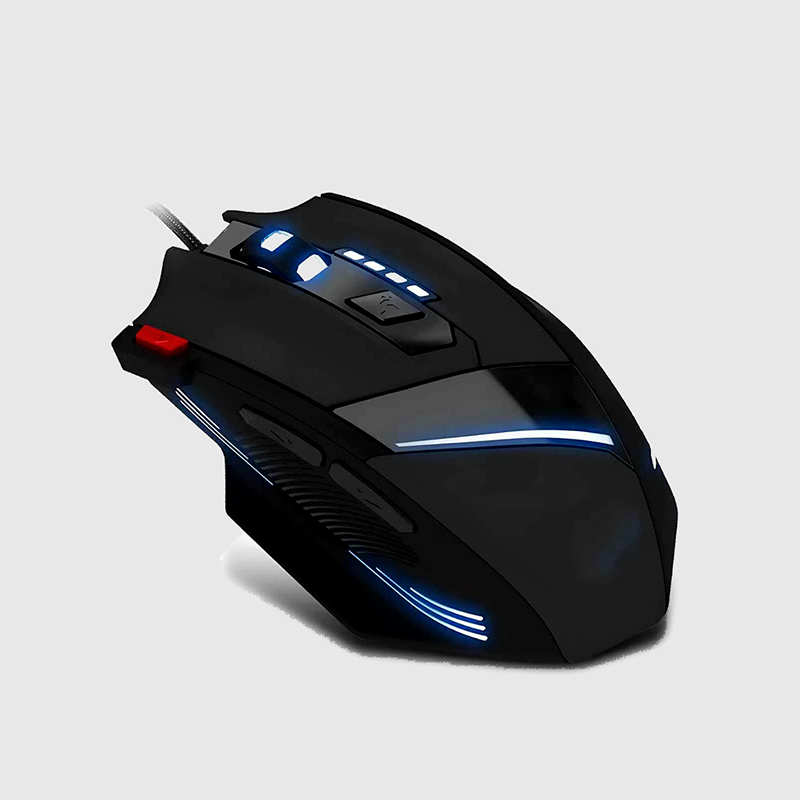
Mice & Input Devices
Four-leg Metal Domes
View Product
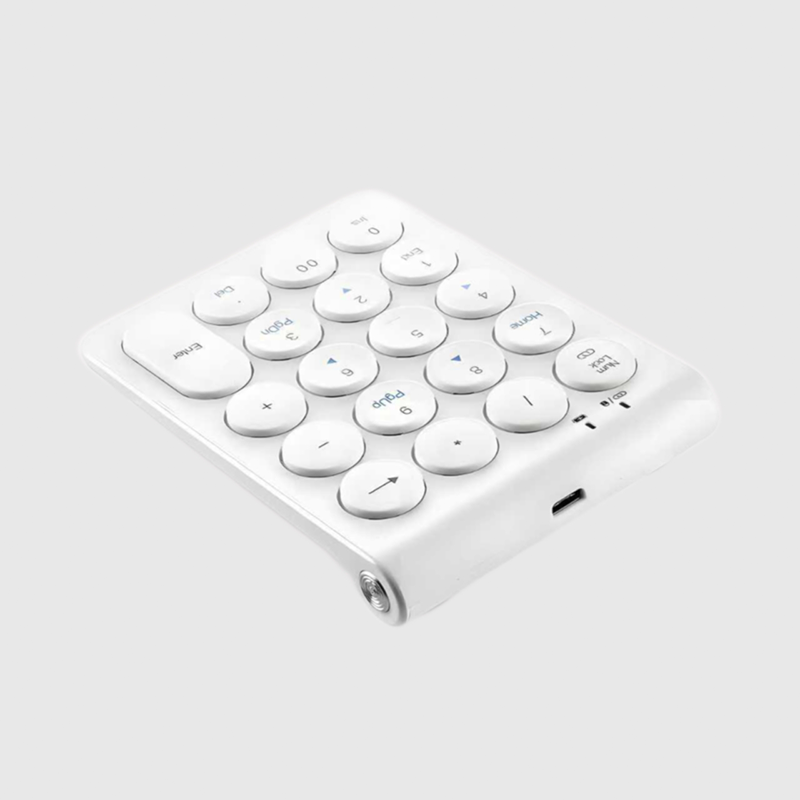
Compact Keypads
ラウンド・メタル・ドーム
View Product
Cycle Computers
Four-leg Metal Domes
View ProductCompare Metal Domes and Dome Arrays
An individual metal dome is the spring contact within the button. A dome array positions contacts on a carrier for a defined layout. The appropriate arrangement depends on the circuit, actuator positions and assembly process.
Review these items together:
• Button function, expected press location and target tactile response.
• Available envelope, key travel, clearance and potential preload.
• Dome-to-pad registration, circuit support and adjacent-key interaction.
• Closure, release and debounce behaviour with the actual input electronics.
• Measurable acceptance criteria for the proposed assembly and use conditions.
Validate the Complete Button Assembly

Check Tolerance Extremes
Compare plausible high and low stack combinations. A nominal prototype does not establish sufficient clearance, return or tactile consistency across production variation.

Measure Feel and Electrical Response
Evaluate the assembled force behaviour and key-to-key variation. Observe contact closure and release with the input circuit; a tactile click alone does not confirm that a command was accepted.

Define the Test Configuration
Agree the actuator, stroke, operating conditions and acceptance criteria before evaluating repeated use or environmental exposure. Keep the dome, carrier, circuit and mechanical interfaces under coordinated revision control.
Start a Consumer Electronics Dome Review
Send your button cross-section or assembly drawing, PCB or FPC pad layout, available space, target feel, expected use conditions and estimated quantity. Include sample timing and any required validation documentation so the review can focus on your device’s actual constraints.