How to Assemble Metal Dome Array on PCB: A Simple Guide
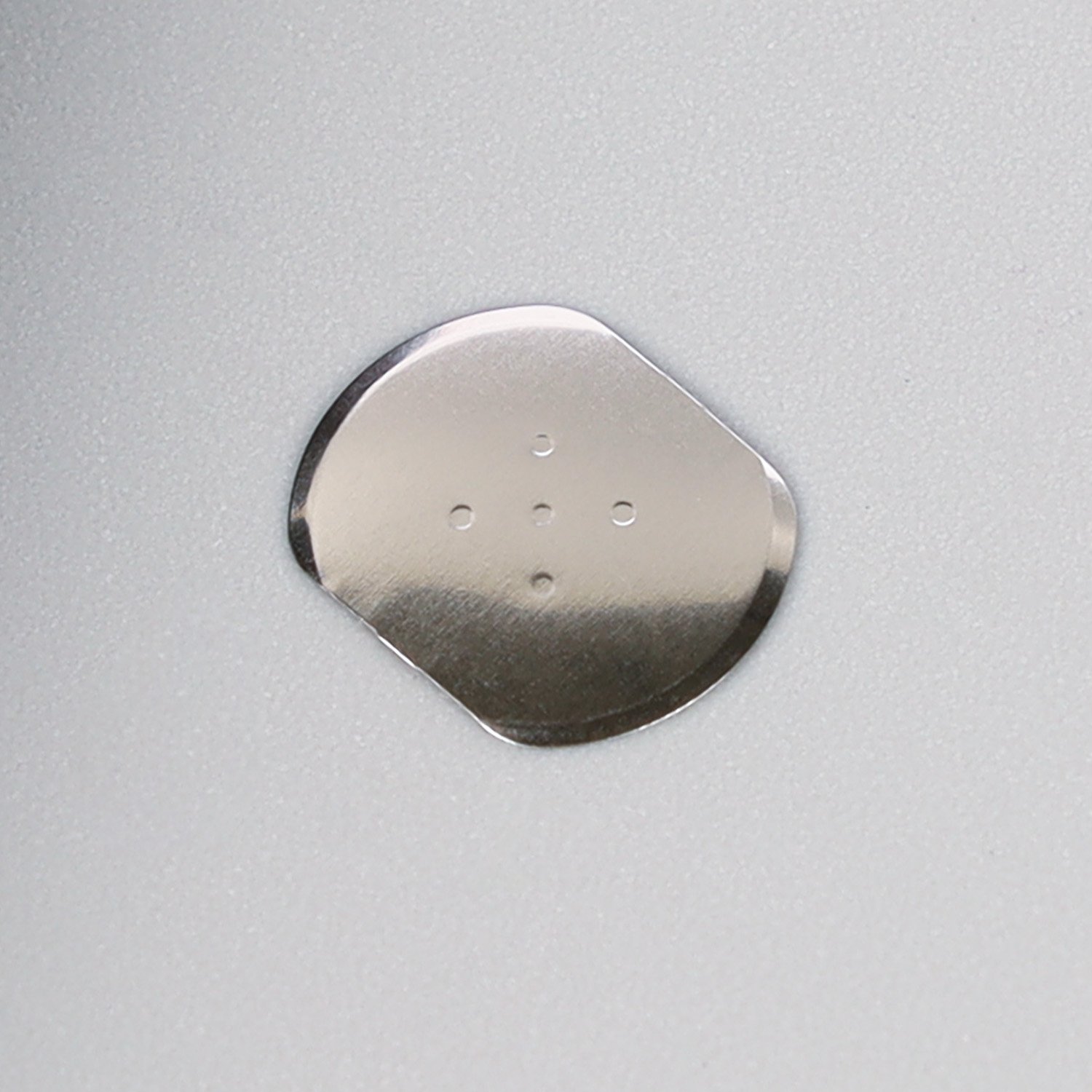
Assembling a cúpula metálica on a printed circuit board (PCB) is crucial for ensuring a reliable tactile interface in your electronic devices. Follow these steps for an efficient and accurate assembly process:
1. Prepare the Components
Gather your cúpulas metálicas, PCB, and any necessary tools, such as tweezers or alignment fixtures. Ensure all components are clean and free from contaminants.
2. Peel Off the Liner
Start by carefully peeling off the protective liner from the back of the metal dome array. This exposes the adhesive layer that will bond the array to the PCB.
3. Align the Dome Array
Position the metal dome array over the PCB, aligning it with the designated areas on the board. Make sure the domes are correctly aligned with the corresponding switch pads on the PCB.
4. Apply the Dome Array
Gently press down on the cúpula to ensure it adheres properly to the PCB. Apply even pressure to avoid any misalignment or air bubbles.
5. Check Alignment
Inspect the alignment of the dome array to ensure that all domes are correctly positioned. Make any necessary adjustments before proceeding.
6. Test the Assembly
Once the metal dome array is securely attached, perform a functional test to ensure that each dome responds correctly and provides the desired respuesta táctil.
7. Finalize the Assembly
Complete any additional steps required for your specific device, such as attaching a top panel or other components.

Benefits of Using Metal Dome Arrays
– Reliable Información táctil: Metal dome arrays provide a consistent and responsive tactile experience.
– Efficient Assembly: Simplify the assembly process with pre-aligned dome arrays.
– Durability: Metal dome arrays are robust and designed for long-lasting performance.
For more information on assembling metal dome arrays or to explore our products, contact us. Our experts are here to assist you with all your needs.
Productos de Shanyo
Para más información cúpulas metálicas y cúpulas, visit our website or contact our experts for personalized assistance.
Gracias por compartir información sobre los principales productos de Shanyo. He aquí un resumen de los productos ofrecidos por Shanyo:
1. Teclado con interruptor de membrana: Componente de la interfaz de usuario que permite manejar diversos dispositivos.
2. Placa guía de luz: Se utiliza en las pantallas LCD para proporcionar una retroiluminación uniforme.
3. Etiqueta luminosa: Etiquetas personalizables que pueden iluminarse, a menudo utilizadas para marcar o destacar características.
4. Teclado de cúpula FPC: Teclados basados en circuitos impresos flexibles (FPC) que incluyen interruptores de cúpula para respuesta táctil.
5. Productos troquelados: Componentes cortados con precisión utilizados en diversas industrias, adaptados a necesidades específicas.
6. Cúpula metálica: Los interruptores táctiles metálicos se utilizan en teclados para un accionamiento fiable y sensible.
7. Conjunto de cúpulas metálicas: Una lámina de cúpulas metálicas dispuestas en forma de matriz, que suele utilizarse en teclados para dispositivos electrónicos.
Si necesita más información o está interesado en alguno de estos productos, póngase en contacto con Shanyo.