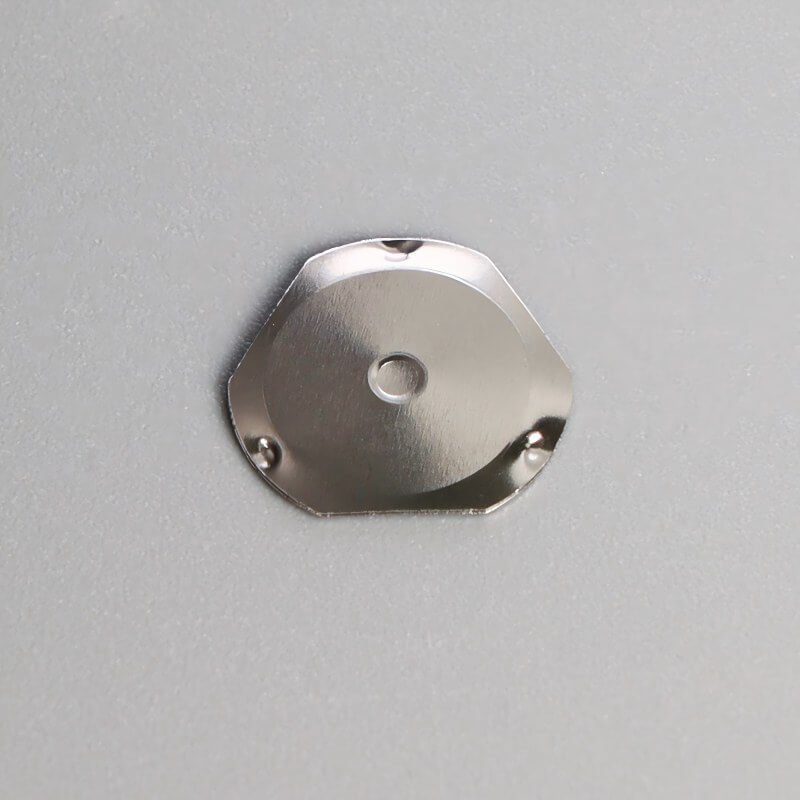
Most people think of a قبة المفاجئة as a pretty simple component — push it down, it clicks, it makes contact. And mechanically, that’s more or less accurate. But the way a snap dome feels when pressed, that nuanced tactile experience, is actually governed by something called the actuation force curve. It’s the graphical representation of how force builds, peaks, drops, and recovers as the dome travels from its resting position to full collapse and back again.
The shape of that curve determines everything about the user’s tactile perception. A sharp, steep curve feels snappy and decisive. A gradual, rolling curve feels softer, maybe even mushy to some. Engineers and product designers pay a lot of attention to this, or at least they should, because it directly influences how satisfying — or frustrating — a button feels to the end user.
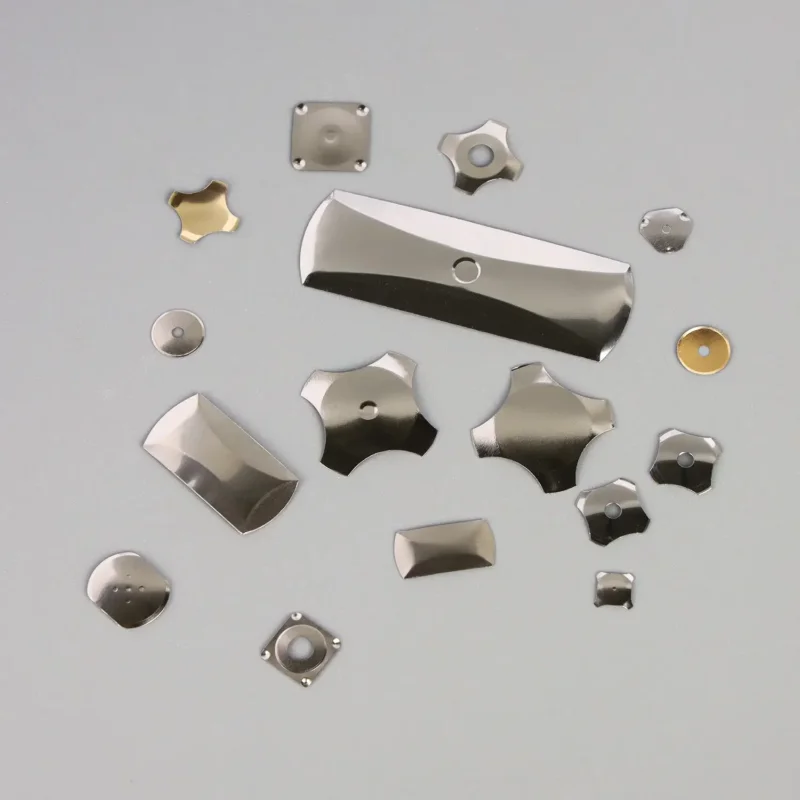
And here’s the thing: not all force curves are the same. Depending on the dome geometry, material, and leg design, the resulting curve can take on distinctly different shapes. Four in particular show up repeatedly across snap dome specifications, each with its own tactile character.
Understanding the Snap Dome Force Curve Basics
Before getting into the four shapes, a quick primer on what the force curve actually shows.
Reading a Force-Displacement Graph
The horizontal axis represents travel distance — how far the dome moves downward. The vertical axis represents the force being applied. As you press a snap dome, the force increases until it hits a peak (the actuation point), then suddenly drops as the dome collapses. That drop — the force differential between peak and trough — is what creates the tactile “click” sensation.
Key terms to keep in mind:
Peak force — The maximum force right before the dome snaps through.
Click ratio — The percentage difference between peak force and the force at the bottom of the snap-through. Higher click ratios mean more pronounced tactile feedback.
Travel distance — Total vertical displacement from rest to full actuation.
Return force — The force the dome exerts while snapping back to its original shape.
With that framework, the four primary curve shapes start to make a lot more sense.
The 4 Snap Dome Force Curve Shapes
1. Sharp Click Curve
This is the curve most people associate with a “good” button feel. The force builds steeply to a well-defined peak, then drops off sharply. The snap-through is abrupt and unmistakable.
الخصائص:
Very distinct tactile and sometimes audible click
Click ratio typically above 40–50%
Short travel distance in most designs
Preferred in applications where confirmation of each press matters
This type of curve, characteristic of premium oval snap dome construction, shows up in remote controls, industrial control panels, and medical devices — anywhere the user needs to know, without question, that the button registered. It’s crisp. Some might even call it satisfying in a way that’s hard to describe until you feel it side by side with softer alternatives.
2. Soft Click Curve
The soft click curve still has a clear peak and drop, but the transition is more gradual. The dome resists, reaches its peak, and then eases into collapse rather than snapping through aggressively.
الخصائص:
Gentle, muted tactile feedback
Click ratio around 20–35%
Slightly longer perceived travel
Suitable for devices used in quiet environments or with frequent button presses
Think about appliance keypads, office equipment, or consumer electronics where constant clicking noise would get annoying. The user still feels something — it’s not dead — but the sensation is deliberately toned down. There’s a subtlety to it that works well when comfort matters more than precision.
3. Linear Curve
A linear — or near-linear — force curve is where the force increases more or less proportionally with displacement, with little to no snap-through behavior. Technically, a purely linear curve wouldn’t qualify as a “snap” dome at all, but some dome designs approach this profile, especially certain poly dome or rubber dome configurations.
الخصائص:
Very little or no perceptible click
Force feels progressive and uniform throughout travel
Click ratio below 15%, sometimes negligible
Used where smooth, quiet operation is the priority
This curve suits touchscreen overlay buttons, membrane keypad backers, or applications where the snap dome is providing return spring force rather than tactile feedback. Honestly, it can feel a bit lifeless to users who expect a click — but for the right application, that’s exactly the point.
4. Two-Stage Curve
This one is less common but interesting. A two-stage curve has two distinct force peaks separated by a partial collapse. The user feels an initial resistance, a slight give, then a second resistance before full actuation.
الخصائص:
Two perceptible tactile events in a single press
Often achieved through specific dome leg geometry or nested dome designs
Useful for applications requiring deliberate, two-step actuation
Can reduce accidental key presses
It’s a design approach sometimes seen in safety-critical controls or specialized input devices where an accidental bump shouldn’t trigger the function. The first stage acts almost like a warning — “you’re about to press this” — and the second confirms the intent. Unusual, but genuinely useful in certain scenarios.
الأسئلة الشائعة
Can a snap dome be customized to produce a specific force curve shape?
Yes, and it’s actually quite common. Manufacturers adjust dome diameter, height, material thickness, and leg geometry to achieve a target force curve profile. Custom tooling may be required, which adds upfront cost, but for products where tactile feel is a key differentiator, the investment usually pays off. It’s worth having a detailed conversation with the dome supplier early in the design process rather than trying to retrofit a curve shape later.
Does the force curve of a snap dome change over its lifespan?
Slightly, yes. Over millions of actuations, metal fatigue can cause the peak force to decrease gradually, and the click ratio may diminish. The dome doesn’t suddenly stop working — it’s a progressive, slow change. For most applications rated within the dome’s specified cycle life, the shift is minor enough that users won’t notice. Beyond rated life, though, the tactile feel can start to feel noticeably softer or less defined.
How is a snap dome force curve measured?
Using a force-displacement testing machine — essentially a motorized probe that presses the dome at a controlled speed while recording the force at each point of travel. The output is a plotted graph showing the complete actuation and return cycle. Most snap dome manufacturers provide this data as part of their product specifications, and some offer custom testing for specific integration conditions like overlay thickness or PCB pad design.