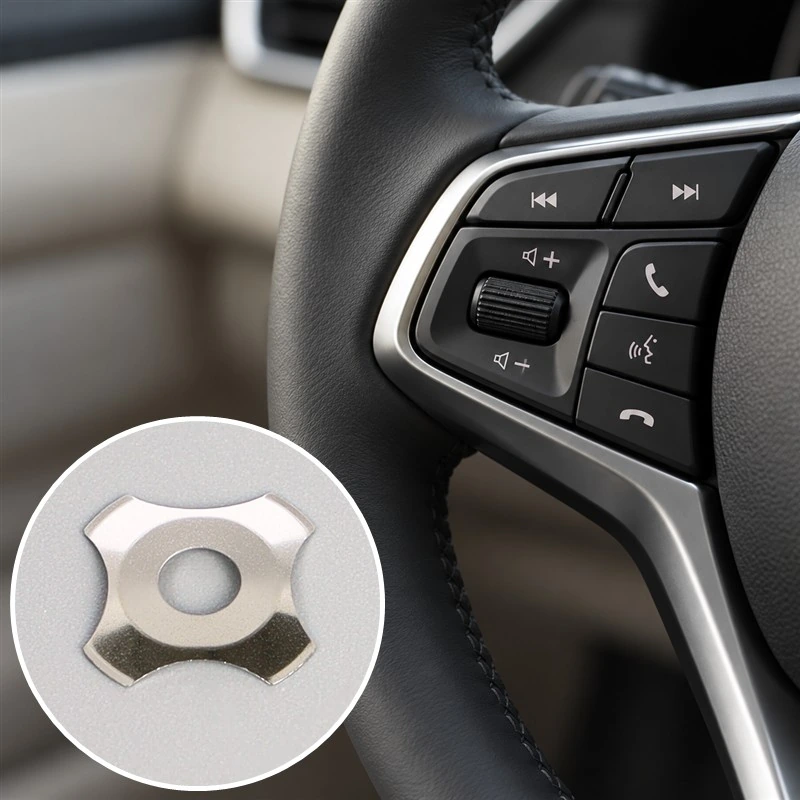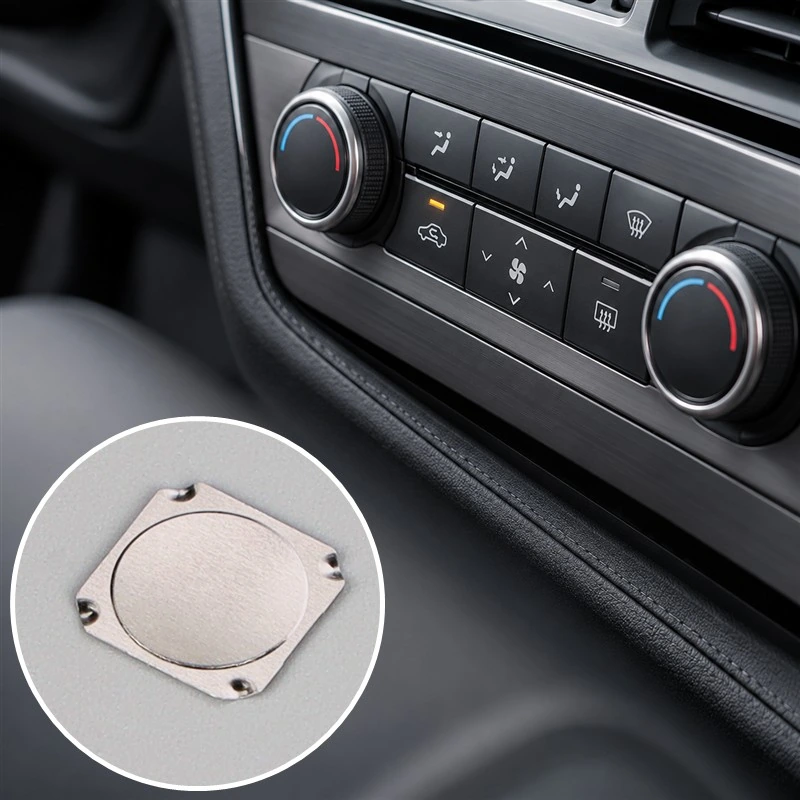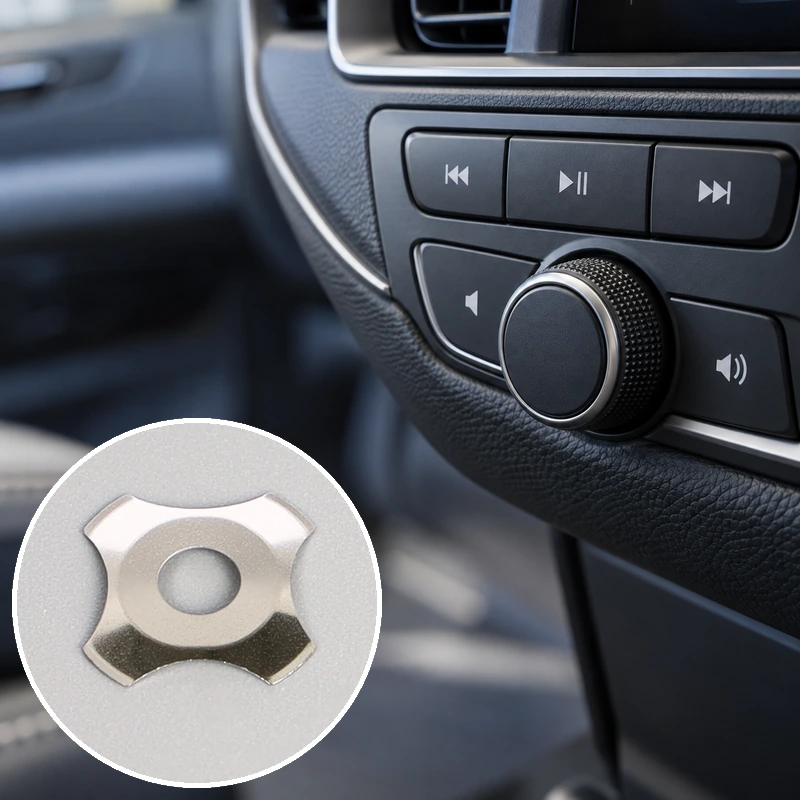
If you have pressed a key on a remote control, a microwave panel, or a pump keypad, you have pressed a metal dome. It sits under the key, arched slightly upward, waiting. Push it and it collapses, clicks, and bridges two copper contacts for exactly as long as you hold it down. Let go, and it springs back and breaks the circuit again. It is the cheapest and least glamorous part in the assembly, and it is also the part that decides whether a button feels crisp or mushy. The P-Series is a defined family of circular metal domes, and its datasheet is worth reading line by line before you commit a housing to it. Most buyers land on the round dome switch category page first, then come back to the numbers.
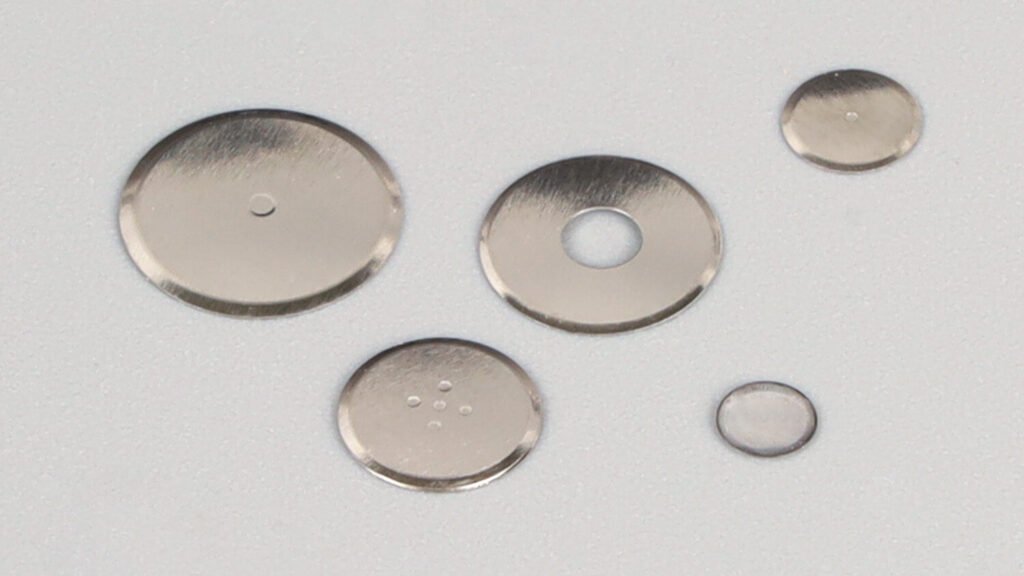
A P-Series circle metal dome is a round, single-point tactile switch contact stamped from thin stainless steel sheet and supplied in a fixed range of diameters, dome heights, forces, click ratios, material thicknesses, platings, and life-cycle ratings. Pressed at its center, the dome snaps from a convex shape to a concave one and momentarily bridges a center contact to an outer ring, producing a normally open momentary switch with a distinct tactile event. “P-Series” is the series name for that specific combination of geometry, force, and finish options, not a different technology from other metal domes.
What follows covers how the shape works, how to read each column of the spec table, and where a circular dome is the wrong answer.
What a P-Series circle metal dome actually is
It is a formed stainless steel shell that acts as both the spring and the movable conductor in a tactile switch, supplied as a discrete part for designers to place on a printed circuit board, flex circuit, or membrane stack. Nothing about it is proprietary to the series. What the series does is hold specific combinations of diameter, height, force, and plating in stock so that a design can be repeated across a production run without re-deriving the geometry each time.
The dome is a two-node device. In the released state it is arched, touching only the outer conductor. At full actuation its inverted center drops onto a separate center contact, and current passes between the two nets for as long as the dome is collapsed. There is no solder joint and no latching mechanism. Remove the finger and the dome recovers on its own, which is why these parts show up under keycaps, plungers, and flexible overlays rather than inside a housing that latches.
You will meet several names for the same object. Round dome, circular dome, and circle dome are all in current use, and “single-point” or “one-apex” is sometimes added when the center contact geometry needs to be distinguished from multi-apex variants in the same size class. Procurement documents should be checked for which term the drawing actually uses, because the drawing is what governs.
What shape is the dome, and is a dome considered round
Yes on the plan view, no on the profile. Looking down at a P-Series circle metal dome, you see a true circle; cutting through the middle, you would see a shallow arch, not a hemisphere. Both statements are true at the same time, and the dome gets its name from the first view while it gets its behavior from the second. The word itself was borrowed from architecture, where Britannica defines a dome as a hemispherical structure evolved from the arch, generating thrust all around its perimeter. A tactile dome is a scaled-down, stamped, and far shallower relative form of the same idea, and it is not hemispherical in anything but name.
Two other senses of the word cause confusion. “Round” is also used informally to mean “rounded” in a tactile sense, which is a different claim entirely and one the circular outline does not guarantee. The wider tactile-dome family also includes oval, oblong, and triangular plan outlines; those are distinct from a circular outline, which is where the shape vocabulary of the wider dome family comes from.
What circularity buys you?
A circular outline is rotationally symmetric, which can simplify angular orientation during placement when no asymmetric features are present. This does not make it insensitive to off-center loading: actuator offset, tip size, and support conditions can change the force curve, contact timing, and life. Keep the actuator centered within the model-specific alignment tolerance and validate the assembled key.
What circularity costs you?
The support perimeter is a continuous ring, and a continuous ring occupies routing space that a four-leg dome leaves open between its legs. If both the signal and return trace need to run underneath the dome on the same board face, the circle forces them apart or forces a via. A circular dome also cannot be anchored through the board by its own legs, so it relies on adhesive or a carrier pocket for retention, which rules it out of the highest-temperature assemblies where in-board legs are used instead. Tactile sharpness cannot be ranked by outline alone. Compare click ratio, travel, and measured force curves for the selected circular and four-leg models under equivalent assembly conditions.
How the snap action works
A P-Series dome works through elastic instability: force rises as the shell deflects, the shell suddenly inverts at its snap point, and that sudden drop in force is what a finger reads as a click. The dome starts convex. As the actuator pushes down, the metal bends and the force climbs. At a critical deflection the geometry becomes unstable, the dome snaps through into a concave shape, and the force required drops sharply. Hold the finger down, and the force climbs again as the dome bottoms out against the travel stop. Release, and the same stored strain drives it back over the snap point and up to its rest shape.
That force drop is the entire tactile event, and it has a name in the datasheet. Click ratio expresses the drop as a percentage of the peak force. A dome with a higher click ratio gives a more pronounced fall, and the finger reads that as a crisper event.
The three numbers that set the feel
| Parametro | What it controls | What happens when you raise it? |
|---|---|---|
| Forza | How hard the finger must press to trip the dome | Key feels heavier; harder to trigger accidentally from a sleeve or a bumpy vehicle |
| Viaggi | How far the dome collapses before contact | More definite feel, but consumes stack height and slows the key |
| Click ratio | Depth of the force drop at the snap point | Crisper, more audible event; harder to bottom out without noticing |
These three do not move independently. A dome with high force and short travel feels nothing like a dome with the same force and long travel, and a change in diameter shifts all three at once. This is why nominal force is a poor proxy for feel and why the numbers should be read as a set.
Why a loose dome on your desk tells you almost nothing
Pressing a free dome with a fingertip does not reproduce the assembled key. The felt result is the sum of everything above and below it: keycap mass, plunger diameter and end shape, preload from the overlay, adhesive thickness, spacer stiffness, support flatness, and how much over-travel the housing allows before it hits a hard stop. An actuator that is off-center or too narrow will tilt the dome, load one edge of the rim first, and shift both the force and the contact timing. This is the single most common reason a dome that met spec on the bench feels wrong in the finished product.
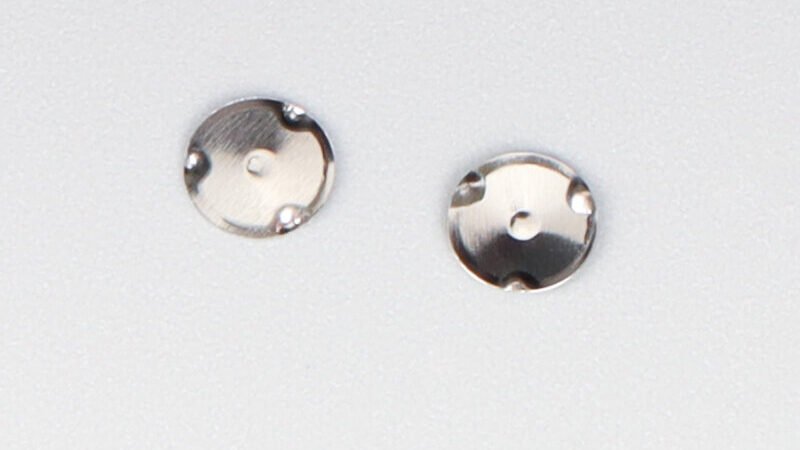
Reading the P-Series specification table
Every column in the table exists to answer a question you will have to answer before the housing is tooled: how big is it, how far does it move, how hard is it, how long does it last, and what touches the copper. The table below is the working set for the series, laid out by force level.
| Outer diameter | Click ratio | Force (gf; definition to be confirmed) | Viaggi | Altezza della cupola | Spessore del materiale | Placcatura | Cicli di vita |
|---|---|---|---|---|---|---|---|
| 2.5 mm | 60 ± 10% | 80 ± 20 gf | 0.10 ± 0.03 mm | 0.14 ± 0.03 mm | 0.04 mm | Silver | 1,000,000 |
| 2.5 mm | 60 ± 10% | 160 ± 20 gf | 0.14 ± 0.03 mm | 0.18 ± 0.03 mm | 0.04 mm | Silver | 1,000,000 |
| 4 mm | 50 ± 10% | 100 ± 20 gf | 0.14 ± 0.03 mm | 0.19 ± 0.03 mm | 0.055 mm | Nickel | 500,000 |
| 4 mm | 50 ± 10% | 120 ± 20 gf | 0.15 ± 0.03 mm | 0.20 ± 0.03 mm | 0.055 mm | Nickel | 500,000 |
| 4 mm | 50 ± 10% | 140 ± 20 gf | 0.16 ± 0.03 mm | 0.21 ± 0.03 mm | 0.055 mm | Nickel | 500,000 |
| 4 mm | 50 ± 10% | 160 ± 20 gf | 0.17 ± 0.03 mm | 0.22 ± 0.03 mm | 0.055 mm | Nickel | 500,000 |
| 4 mm | 50 ± 10% | 160 ± 20 gf | 0.17 ± 0.03 mm | 0.17 ± 0.03 mm | 0.055 mm | Nickel | 500,000 |
| 4 mm | 50 ± 10% | 180 ± 20 gf | 0.18 ± 0.03 mm | 0.23 ± 0.03 mm | 0.055 mm | Nickel | 500,000 |
| 4 mm | 50 ± 10% | 200 ± 20 gf | 0.19 ± 0.03 mm | 0.24 ± 0.03 mm | 0.055 mm | Nickel | 500,000 |
| 4 mm | 50 ± 10% | 220 ± 20 gf | 0.20 ± 0.03 mm | 0.25 ± 0.03 mm | 0.055 mm | Nickel | 500,000 |
Confirm any dimpled or plain contact options and available plating against the selected model drawing. These mechanical contact variants are not described as dimmable.
What diameter pulls along with it
Diameter is not an isolated dimension. Moving from 2.5 mm to 4 mm in this series raises the material thickness from 0.04 mm to 0.055 mm, adds roughly 0.05 mm to the dome height at equivalent force, and drops the click ratio from 60% to 50%. Force spread is also wider at 4 mm, running from 100 g to 220 g, which gives a coarser feel at the top end and a lighter one at the bottom. When a design moves up a diameter, re-check stack height and actuator target size rather than assuming the footprint simply scales.
How to read the force column correctly
Operating force, post-snap force, and return force refer to different points on a force-displacement curve. The source specification must identify which quantity the table reports; do not treat these figures as confirmed return-force or operating-force values until checked against the approved drawing. Click ratio normally describes the drop from peak operating force to post-snap force, not the return force measured during release.
How to interpret the plating and life pairing
The table pairs 2.5 mm silver-plated examples with 1,000,000 cycles and 4 mm nickel-plated examples with 500,000 cycles. Diameter, thickness, geometry, and potentially test conditions also differ, so these rows do not establish that plating alone determines life or tolerance. Confirm the life rating and test conditions for the exact model and finish.
Plating options and contact resistance
Plating is the contact surface, not a cosmetic layer, and the right choice depends on how small your signal is and how many presses you need. The series is available in nickel, silver, and gold. Nickel is the default and handles the bulk of general-purpose work. Silver sits between nickel and gold on conductivity and cost. Gold is the option for low-voltage signals, high cycle counts, or assemblies cleaned often enough that a stable contact surface matters more than unit price.
Stainless steel is not inert, contrary to common belief
Stainless steel resists rust because a thin, transparent chromium oxide layer forms on its surface and seals the iron underneath. That layer is what people mean when they say stainless steel does not rust. The same layer is non-conductive, so an unplated stainless dome carries more contact resistance than most designers expect. Plating slows or suppresses oxide growth, which is the actual mechanism by which it improves contact behavior, and gold is the version that does this most completely and holds a stable resistance over millions of actuations. Low-voltage circuits notice a thin resistive film sooner than a 12 V relay contact does, which is why gold tends to earn its price on signal inputs and not on power switching.
Plating will not rescue a bad pad
Contact resistance is a property of the finished joint, not of the dome in isolation. A dome that meets its resistance target still produces an unreliable key if the center pad sits too close to the outer ring, if residual copper height or a solder-mask ridge reduces the air gap, if the board deflects locally, or if dust and flux residue are present in the seating area. Specify the resistance limit, the test load, and the acceptance method, then compare on that basis rather than against a headline number from a catalogue. A dome is a momentary mechanical contact, and it needs the same surface discipline as any other contact.
Life cycle ratings and what moves them
The life cycle figure in the table is a test result for a single dome under defined conditions, not a warranty on the number of presses your finished product will survive. In this series the published values are 1,000,000 cycles for the 2.5 mm silver-plated parts and 500,000 for the 4 mm nickel-plated parts. Both are conditional.
Several things consume cycles faster than press count alone suggests. Pressing off-center loads a smaller portion of the shell and concentrates stress where the actuator lands. Pressing harder than the design intends shortens the event and raises the strain at the snap point. Contamination in the seating area raises contact resistance and invites arcing. Temperature and humidity accelerate oxide growth and creep. The rating applies only under the specified qualification conditions and acceptance criteria; validate service life in the intended assembly.
The distinction that matters commercially is between the dome and the key. A device rated for a five-year service life, cycled 20,000 times a year, has a budget per key that can be a fraction of the dome’s own rating, and the dome is then not the limiting component. Calculate the expected press count for the device first, then select a life tier against that number. Paying for a higher rating that the product will never reach is wasted money, and choosing one that is too low is a field failure.
Where circle domes fit, and when to pick another shape
Circular domes are the right default when the key is small, the stack is thin, actuator alignment can be controlled and validated, and the board has room for a continuous outer ring. That combination covers a lot of ground: remote controls, appliance and microwave panels, compact keypads, handheld instruments, and medical device interfaces where a nurse may push a key with a gloved hand without looking at it. Round domes are also the easiest shape to place consistently, which matters when volume is high and manual placement labor is the real cost.
Shape lookup
| Forma | Contact behavior | Where it fits best | Main constraint |
|---|---|---|---|
| Round / circular | One contact point at the center | Low-profile keys under membrane overlay, small or dense key arrays | Occupies a continuous ring; cannot be anchored through the board |
| Quattro gambe | Center dome on four support legs | Routing between support legs where the pad design permits; model-specific force and click ratio | Check model-specific height, support locations, and pad geometry |
| Triangolo | Two or more feet passing through the board | High-force keys, narrow spaces, high-temperature assemblies | Fixed orientation, limited availability, higher cost |
| Oblong / oval | One or two actuation points | Long, narrow keys and space bars on crowded boards | Direction-dependent feel, fixed orientation |
When a circle is the wrong choice
If both nets have to route under the dome on a single board face, a four-leg dome leaves gaps between its legs and wins on layout even though it costs stack height. If the assembly runs hot enough that adhesive retention is not acceptable, a shape with in-board feet is the answer. If the key is a long, narrow one, a circular dome wastes the available area, and an oblong follows the key instead. If a sharp tactile event at high force is required, compare model-specific force curves and assembled samples rather than ranking all four shapes by outline. None of these are drop-in substitutions, though, because changing the outline changes the support perimeter and the pad geometry with it. A shape change is a board change.
What to settle before you order
Seven items have to be fixed before a sample request means anything: shape, outer diameter, dome height, force, travel, plating, and life-cycle tier. The series already constrains shape and diameter to a defined set, which shortens the conversation, but the remaining five are still open, and each one changes the part. Settle them in that order, and the rest of the conversation reduces to format and quantity. What you should send with an inquiry is a short list, not a vague description of a key:
- Shape—confirm the circular outline is right for the key, or identify which other shape the layout actually forces.
- Outer diameter—from the available set, constrained by the key size and the actuator target.
- Dome height—the z-axis budget in the assembled stack, including overlay and spacer.
- Force—the target and the point on the force curve it refers to.
- Travel—the distance available before the housing stop, which the dome must not exceed.
- Plating—nickel, silver, or gold, driven by signal level and cleanability.
- Life-cycle tier—the press count the device will see over its service life, not the highest number on the table.
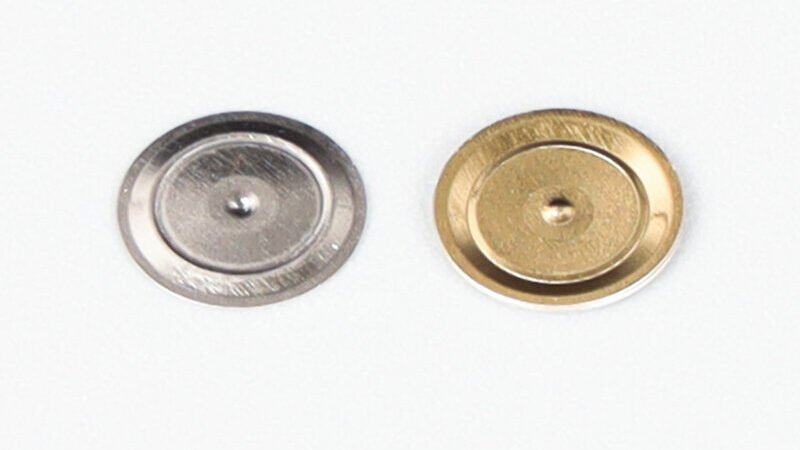
Supply format is a separate decision
The same dome can arrive in three different formats, and which one you pick determines who owns placement accuracy. A loose dome puts individual alignment, retention, cleanliness, and venting on your process. A single-key adhesive carrier removes the alignment problem for one key but keeps the carrier outline and the adhesive window as your variables. An array carries many domes on a shared carrier with defined vent channels and adhesive zones, and it is the format that pays for itself once there are more than a few keys, because the registration problem is solved once rather than per key. Where the assembly uses automated or semi-automated placement onto glued PET film, the parts ship packed in steel tubes, which is worth knowing when planning incoming inspection and storage. If the design is headed for anything beyond a handful of keys, working up from a custom metal dome array format is usually the cheaper path than debugging placement one key at a time.
Frequently asked questions
Does a circular dome touch the circuit at one point or around its rim?
Both, in sequence. At rest the dome contacts only the outer conductor along its rim. At full actuation the inverted center also lands on the center contact, creating the second node. The rim contact is what holds the dome in place electrically; the center contact is what completes the circuit.
Why does the same nominal dome feel different in two different products?
Because the dome is only one element in a force chain. Keycap mass, plunger geometry, overlay stiffness, adhesive thickness, preload, support flatness, and over-travel all add to what the finger feels. Two products using an identical dome at an identical force can feel markedly different, and the difference lives in the stack, not in the part.
Can P-Series circle domes be supplied pre-aligned rather than loose?
Yes. They are supplied loose, on single-key adhesive carriers, or as arrays on a shared carrier, and parts intended for automated or semi-automated placement are packed in steel tubes. Which format makes sense depends on key count and on whether your process already solves placement or wants that solved upstream.